Restaurant POS system cost comes in three separate bills: the hardware you buy or lease, the software subscription you pay each month, and the card processing fee taken from every card payment. Most owners compare the first two and sign. The third is the one that grows with your sales, and over a year it is usually the largest of the three. If you want to know what a POS will really cost you, start with processing, then software, then hardware, which is the reverse of how most vendors present it.
This post breaks down each cost line, explains why processing outgrows the subscription, sets out what a small cafe genuinely needs, and gives you the questions to ask any vendor before you sign. We build and run our own restaurant software, Zervoo, so we say where it fits at the end, including what it does not do yet.
The three lines in any restaurant POS system cost
Every quote you get, however it is dressed up, is some combination of these three.
| Cost line | What it covers | How it is usually charged | What to watch |
|---|---|---|---|
| Hardware | Terminals, tablets, card readers, receipt printers, cash drawers, kitchen screens | Upfront purchase, lease, or bundled into a contract | Proprietary devices you cannot reuse, lease terms longer than the device's useful life |
| Software | The POS itself, plus modules such as online ordering, reporting, loyalty, stock | Monthly per terminal, per venue, or per user | Add-on modules priced separately, per-staff charges, annual contracts billed monthly |
| Card processing | Taking card and contactless payments | A percentage of each transaction, sometimes plus a fixed fee per transaction | Rates that differ by card type, rates that change after an introductory period |
The way a vendor splits its price between these lines tells you how it makes its money. A vendor with free or cheap software is almost always earning on processing. A vendor that sells you expensive proprietary hardware wants you to stay for years, because switching means writing that hardware off.
Hardware
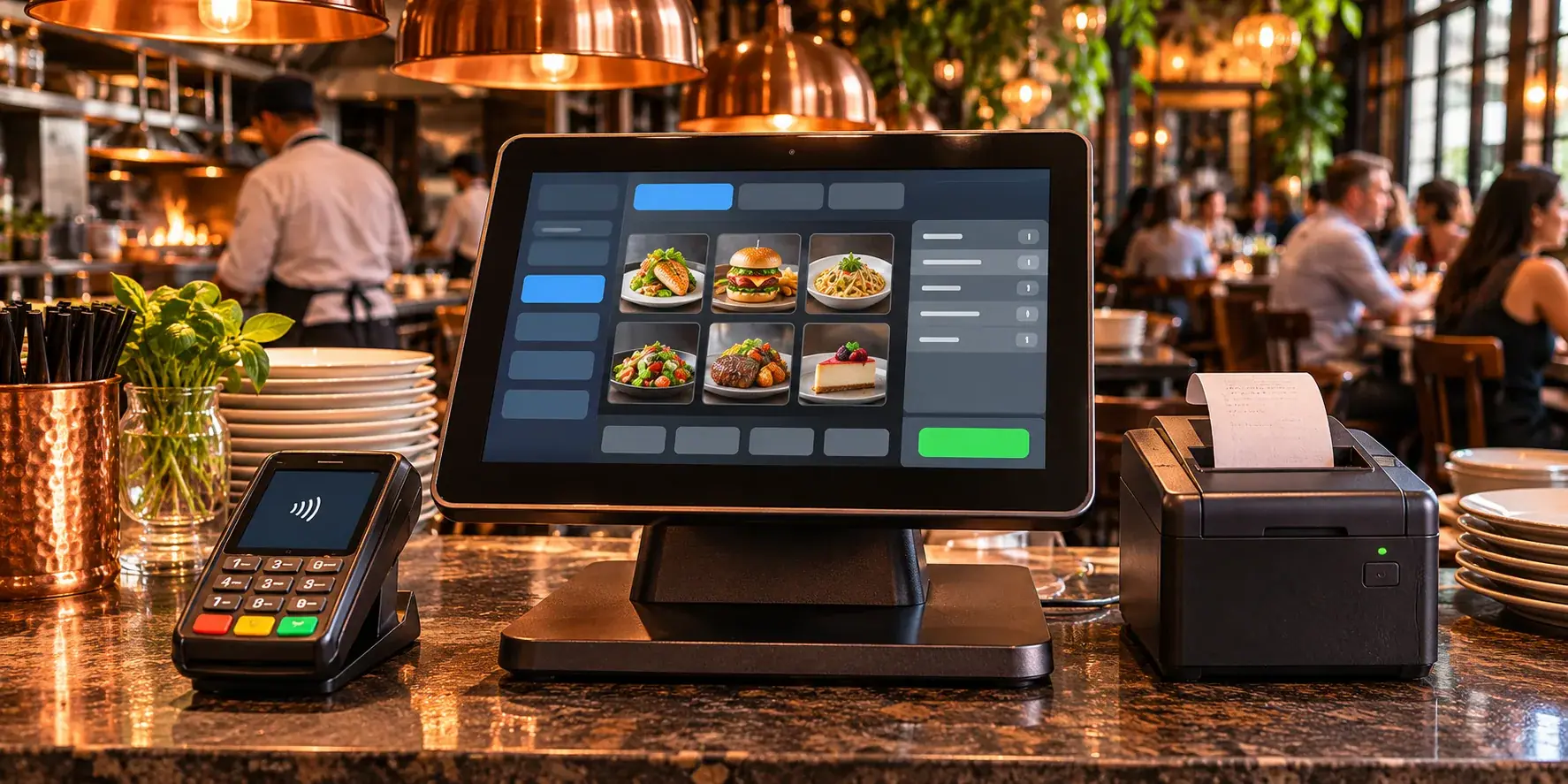
Hardware is the most visible part of restaurant POS pricing and often the least important part of the restaurant POS system cost over time. A counter terminal, a card reader, a printer and perhaps a kitchen screen are one-off costs, or a predictable lease.
The question that matters is whether the hardware is yours to reuse. A system that runs on standard tablets or laptops lets you replace a broken device from any shop. A proprietary terminal has to come from the vendor, at the vendor's price, and becomes a paperweight if you change systems.
Software
The POS monthly fee is what most comparisons focus on. Check what is in it. Online ordering, table management, multi-site reporting and loyalty are frequently sold as extras, and a per-user or per-staff charge makes a busy summer with extra seasonal staff more expensive than it should be.
Card processing
This is charged on every card payment you take, and it is the part of a restaurant POS system cost that vendors talk about least. Some POS vendors require you to use their own processing, some let you bring your own provider, and some charge a fee if you do not use theirs.
Why processing fees outgrow the POS monthly fee
The software subscription is flat. Processing is proportional. That one difference explains most of the surprises owners describe after their first year.
Work it through with your own numbers rather than anyone's averages:
- Take your monthly card takings (most POS reports or your bank statement will show this).
- Multiply by the processing rate the vendor quotes, plus any per-transaction fee multiplied by your number of card transactions.
- Compare that monthly figure with the software subscription.
For any venue where most guests pay by card, the processing line is likely to be larger than the subscription, and it rises every time you have a good month. That is why a vendor offering free software is not offering you a cheaper restaurant POS system cost. It is moving the cost to the line that grows.
Three things make processing harder to compare than it looks:
- Blended versus itemised rates. A single blended rate is simple. An itemised rate can be cheaper or dearer depending on your mix of debit, credit, business and foreign cards.
- Introductory rates. Ask what the rate is after the first period, in writing.
- Lock-in. If processing is bundled with the POS, you cannot shop around for a better rate without changing your whole system.
The same logic applies to ordering commission from delivery apps or online ordering platforms: a cost that grows with every order hurts most on your busiest nights. When you total a restaurant POS system cost, put every percentage-based fee in one column so you can see how much of your takings leaves before you pay for food or staff.
POS cost for a small restaurant or cafe: what you actually need
A small cafe or a single-site restaurant does not need what a chain needs. Paying for the chain feature set is the most common way a small venue overspends on its restaurant POS system cost.
Here is a sensible minimum:
- A way to take orders, at the counter and ideally from the table, without retyping them.
- A way to get orders to the kitchen that does not depend on someone shouting or walking a ticket across. A screen or a printer both work; the point is that nothing is lost.
- A way to close bills and take payment, with a card reader from a provider you can live with.
- Simple menu control: change a price, mark a dish as sold out, add a special, without calling anyone.
- Sales reporting you will actually read: takings by day, top items, busy hours.
- Staff logins, so you know who did what.
What a small venue can usually skip at the start: advanced stock management, built-in payroll, loyalty schemes, and multi-site dashboards. Add them when you have a real problem they solve, not because the bundle included them.
Keeping the list this short is what keeps your restaurant POS system cost proportionate to the venue. If you are unsure whether a packaged system or something built for you makes more sense, our post on custom software versus off-the-shelf for small businesses sets out how to decide, and for a single cafe the answer is nearly always off-the-shelf.
Questions to ask before you sign
Put these to every vendor and ask for the answers in writing. They turn a headline price into a real restaurant POS system cost you can compare.
On hardware
- Can the system run on devices we already own, or must we buy yours?
- If we leave, can we keep and reuse the hardware?
- If a device breaks, how is it replaced and who pays?
On software 4. What exactly is included in the monthly fee, and which features are add-ons? 5. Is there a charge per terminal, per user or per staff member? 6. Is the contract monthly, or an annual term billed monthly? What does it cost to leave early? 7. Is there a setup or onboarding fee?
On processing 8. Must we use your card processing, or can we bring our own provider? 9. What is the rate for each card type, and is there a per-transaction fee? 10. Is the quoted rate introductory? What is it afterwards?
On data 11. Can we export our sales, menu and customer data at any time, in a usable format? 12. What happens to our data if we cancel?
A vendor that answers all twelve clearly is usually a vendor you can work with. One that is vague on questions 6, 8 or 11 is telling you where the cost is hidden.
Browser-based POS: no hardware to buy
A growing number of systems run entirely in a web browser. For a small venue this changes the restaurant POS system cost in a useful way: the hardware line shrinks to the devices you already have, plus a card reader.
The trade-offs are real and worth weighing:
| Browser-based POS | Proprietary terminal POS |
|---|---|
| Runs on existing phones, tablets and laptops | Runs on the vendor's own devices |
| Broken device replaced from any shop | Replacement from the vendor |
| Updates arrive without visiting each device | Updates may need a visit or a scheduled install |
| Depends on a reliable internet connection | Some can keep working offline for a while |
| Easy to add another screen on a busy night | Adding a terminal means buying one |
The internet point matters most, more than any difference in restaurant POS system cost. If your venue has patchy Wi-Fi, fix that first, or ask the vendor exactly what happens when the connection drops mid-service.
Where Zervoo fits
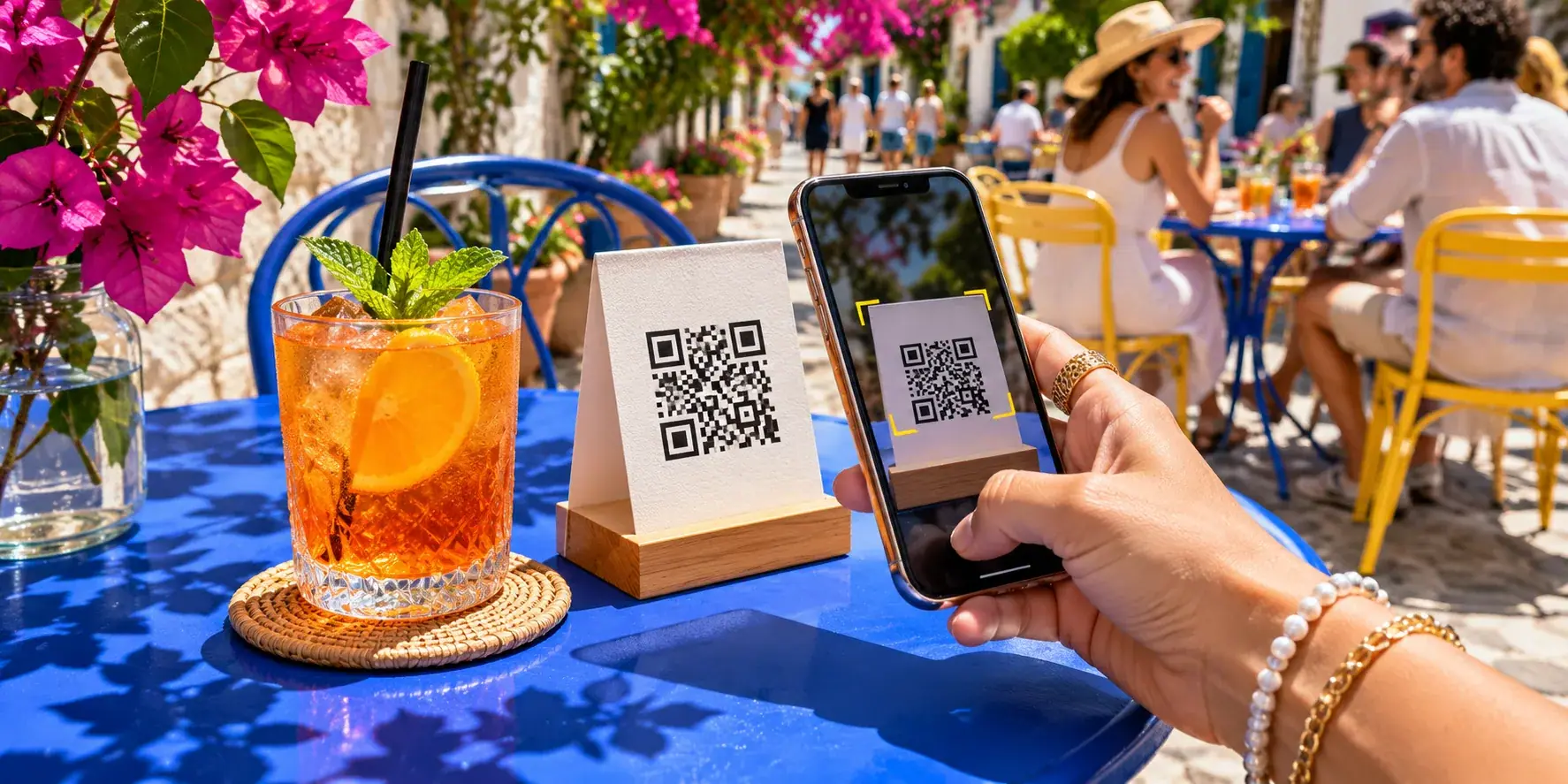
Zervoo is the restaurant software we build and run. It runs in the browser on the phones, tablets and laptops you already have, and a basic tablet is enough for the kitchen. It covers a QR guest menu with ordering, a kitchen screen, a counter POS for walk-ins and phone orders that closes bills, and a live dashboard where you can change menu and prices from anywhere.
On cost, it has no commission, no setup fee, no hardware to buy and no per-staff charge. It is billed monthly per venue and you can cancel any time. The Menu plan, which is browse only with no ordering, starts from $10 per venue per month; the full plans are priced on request.
What it does not do yet, so you can judge it fairly: guests cannot pay from their phone (that is coming, through the venue's own payment provider), it does not manage stock, rotas or payroll, delivery-app orders are not connected, and it does not print tickets or bills. If any of those is essential for you on day one, factor it in. For chains and hotels we can also connect Zervoo to an existing POS or ERP, which our hospitality work covers.
Getting the restaurant POS system cost right before you commit
The cheapest-looking quote is rarely the cheapest system. Add up all three lines over a year with your own card takings, check what the monthly fee leaves out, and make sure you can take your data and your hardware with you if you leave. That gives you a restaurant POS system cost you can trust, rather than one that arrives in instalments.
If you want a second opinion on a quote, or you are weighing a browser-based setup like Zervoo against what you have, book a free 30-minute discovery call. A senior engineer will talk it through with you, and a written approach, timeline and estimate follow within two business days.