Kitchen display system vs printer is a question about the rush, not about the quiet hours. When orders arrive one at a time, a printed ticket works well: it is cheap, it needs no training, and it never runs out of battery. When twelve orders arrive in four minutes, the printer keeps up but the kitchen does not. Tickets get pulled out of sequence, a modifier on the bottom line is missed, a ticket slides under another, and a server walks in to ask whether table six is ready because nobody can tell. A kitchen display system (KDS) exists to fix those four problems. Whether it is worth the cost depends on how often you have them.
This post sets out where paper fails, what a screen actually does differently, what a KDS really costs once you count the tablet, how to set one up on hardware you already own, and why most kitchens should keep a printer anyway.
Where printed tickets break in a rush
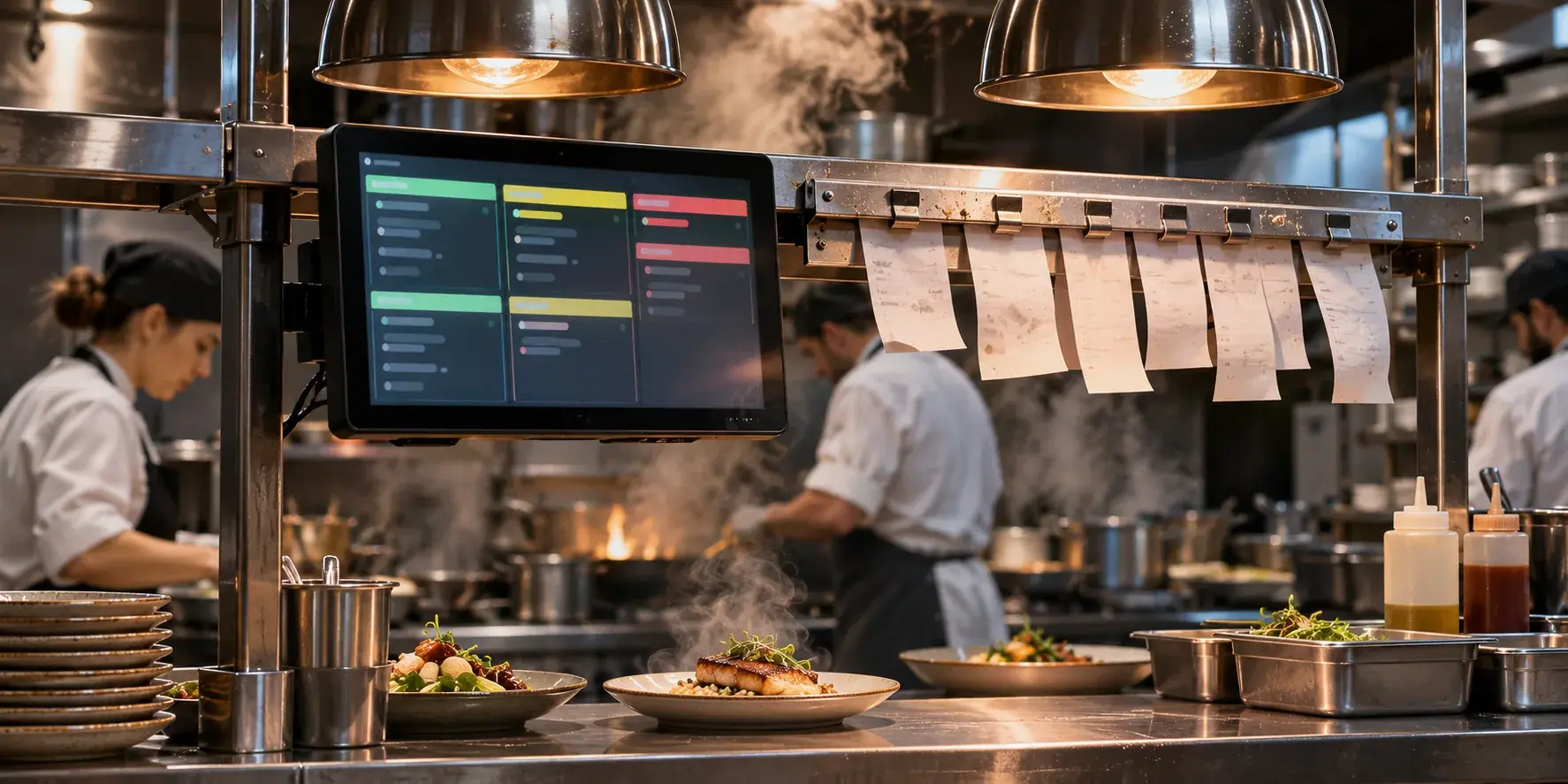
Paper tickets have real advantages, and it is worth listing them so that the kitchen display system vs printer comparison is fair. They cost almost nothing per order. They work without a network. They can be torn, stacked, moved and spiked in whatever way the kitchen has developed over years. A cook can glance at a rail and see the whole queue.
The problems appear under load, and they are the same in every kitchen we have seen:
- Order of arrival is lost. Once tickets are pulled off the rail and moved between stations, nobody knows which order came first. The table that has waited longest is not necessarily the one at the front of the rail.
- Notes get missed. "No onion", "allergy: nuts", "sauce on the side" sit on a printed line that is easy to skip when the cook is reading six tickets at once. A missed allergy note is a safety incident, not an inconvenience.
- Status is invisible. Nobody outside the kitchen can tell whether a dish is being plated or has not been started. Servers interrupt to ask, which slows the line further.
- Tickets go missing. They fall, they stick together, they get spiked early. A lost ticket is a table that waits forty minutes and then complains.
- Changes are messy. A cancelled item or a changed cooking instruction means finding the ticket and amending it by hand, or printing a second ticket that may or may not be matched to the first.
- Paper runs out and printers jam, reliably during the busiest hour.
None of these matter at four orders an hour. All of them matter at forty.
What a KDS does that a printer cannot
In the kitchen display system vs printer comparison, the screen is the newer option. A kitchen display system is a screen in the kitchen that shows incoming orders. The KDS benefits that matter are the ones that address the list above, so judge any system against them.
| Problem with paper | What a good KDS does |
|---|---|
| Order of arrival is lost | Orders are shown oldest first, and stay in that order wherever they are on the screen |
| Notes get missed | Notes and modifiers stay attached to the dish, visibly, not on a separate line at the bottom |
| Status is invisible | One tap marks a dish or order ready, and the front of house sees it without walking in |
| Tickets go missing | Nothing to drop; an order stays on screen until it is marked done |
| Changes are messy | Cancellations and changes update the order on screen |
| Paper and jams | No consumables; the failure mode is the network, which is a different conversation |
Two more benefits appear once the screen is in place. Timers show how long each order has been waiting, which makes the slow tables obvious before the complaint arrives. And the data exists: average time to ready by dish and by hour, which is the starting point for fixing a menu that is too slow on Fridays.
Zervoo, which we build and run, includes a kitchen screen that works this way: orders oldest first, notes that stay on the dish, one tap to mark it ready, with front of house and the live dashboard seeing the status. It runs in the browser on a basic tablet. It does not print tickets or bills, so if paper is essential in your kitchen you will want a printer alongside it, which is the setup we describe below. For a kitchen deciding on the broader system, our post on restaurant POS system cost and what to look for covers how a KDS fits with ordering and the till.
Kitchen display system cost: the real number including the tablet
Any honest kitchen display system vs printer decision starts with money. Kitchen display system cost has two parts, and the marketing usually only shows one.
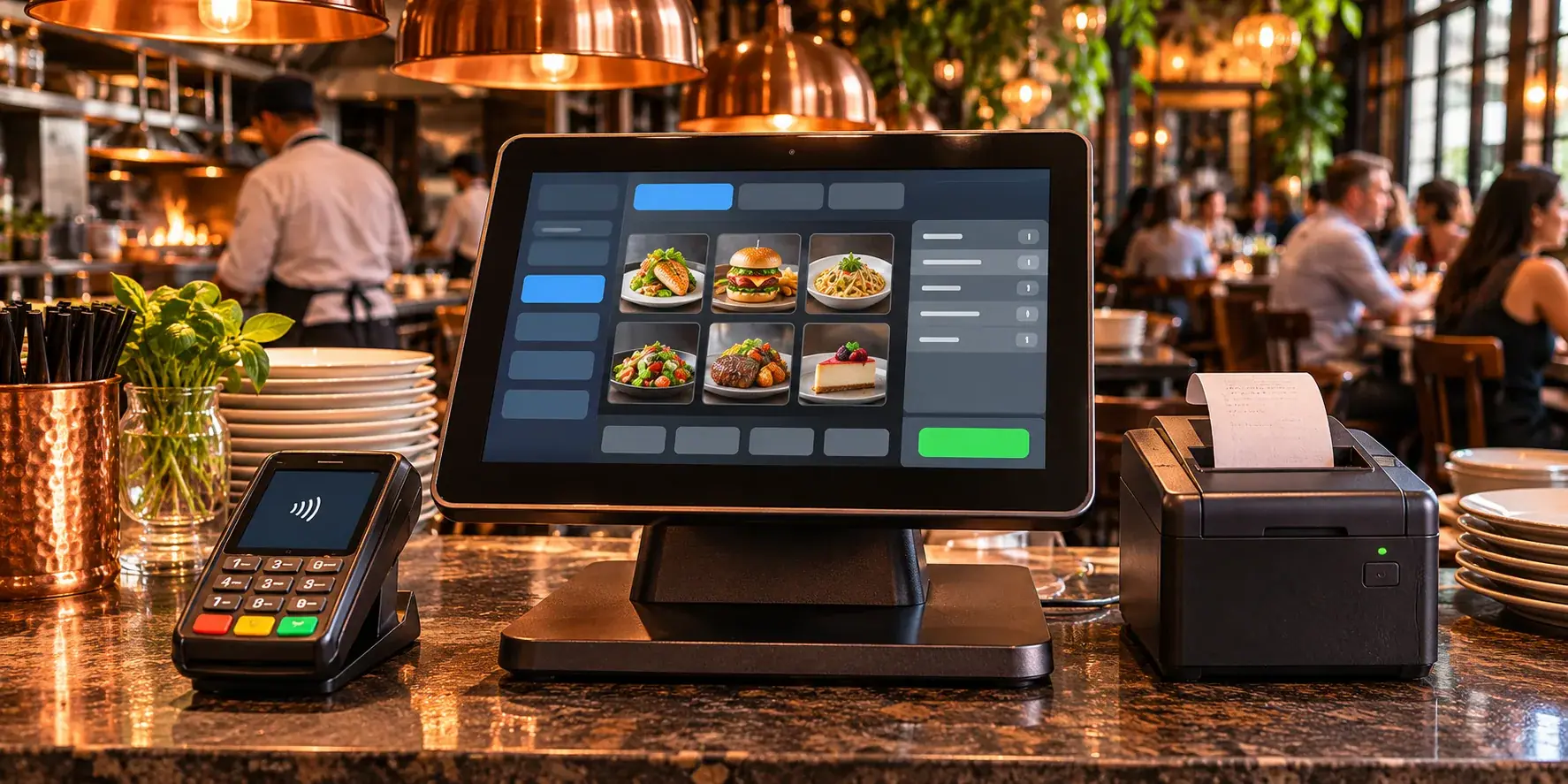
Hardware. A KDS that runs in a browser needs a tablet or a screen with a browser, a mount or stand, a power cable routed somewhere safe, and in a hot or greasy kitchen a case. If you already have a tablet, the hardware cost can be close to nothing. If you buy one, a basic tablet is enough for most kitchens. Purpose-built kitchen screens with sealed housings, bump bars and heat resistance cost considerably more and make sense in large kitchens or those with several stations each needing a screen.
Software. Usually a monthly subscription, sometimes per screen, sometimes bundled with the ordering or POS system. Check whether the KDS is included in a plan you already pay for, because for many ordering systems it is. Zervoo, for example, is billed monthly with no hardware to buy and no setup fee, and the kitchen screen is part of the ordering flow rather than a separate product; the Zervoo page sets out the plans.
The costs that are not on the invoice. A few hours of staff time to learn the screen, a network that reaches the kitchen reliably (often the real hidden cost in older buildings), and a backup plan for outages. Also the cost of the printer you keep, if you keep one.
Against all of that, set the cost of the problems paper causes: remade dishes, comped tables, the server time spent walking into the kitchen, and the occasional allergy incident. For a kitchen with a real rush, the screen usually wins that comparison quickly. For a kitchen without one, it may never.
KDS setup on tablets you already own
Most kitchens can settle the kitchen display system vs printer question with a trial, and do not need to buy anything to try a kitchen display system, which is the strongest argument for testing one before committing.
- Pick the screen. A tablet you already own, with a current browser, is enough. Check that the screen is readable from where the cook stands, not from where the manager stands.
- Mount it where the tickets used to go. Eye level, out of the splash zone, with a cable that does not cross a walkway. A cheap arm mount is usually better than a stand on the bench.
- Get the network right. Wi-Fi that works in the dining room often does not reach a kitchen with steel surfaces and a wall of extraction. Test it during a service, not during a quiet morning. A cable or a second access point is a small cost next to a screen that drops out.
- Connect the orders. With a browser-based system, the kitchen screen is a page the tablet opens, logged in with a staff PIN. Orders from QR menus, the counter POS and phone orders arrive on it as they are placed.
- Decide what "ready" means. Per dish or per order, who taps it, and what front of house sees when they do. Agree this before the first service rather than during it.
- Run both for a week. Keep printing tickets alongside the screen for the first few services, so staff can fall back and so you can see which the kitchen actually looks at. Then stop printing, and see what breaks.
Zervoo setup follows roughly this path on a call of about twenty minutes, with a long menu taking an afternoon; other systems vary, so ask the vendor how long their setup takes before you commit.
Keeping a printer as backup, and when paper still wins
The kitchen display system vs printer decision is rarely all or nothing. Most kitchens that move to a screen keep a printer for one of these jobs:
- Outages. If the screen, the tablet or the network fails mid-service, a printer attached to the POS keeps the kitchen fed. Test the switch-over before you need it.
- Packaging and delivery labels. A sticker on a bag with the order number and the items is still the simplest way to hand off takeaway and delivery orders.
- Stations that cannot have a screen. A grill station in a very hot, wet corner may be better served by a ticket from a printer mounted out of harm's way.
- Bills and receipts. Guests still expect a paper bill in many venues. That is a front-of-house printer job, separate from the kitchen question.
Paper also wins outright in a few cases. A very small kitchen with one cook and a slow, steady trickle of orders gains little from a screen. A pop-up or a food stall with no reliable power or network may be better with a battery printer. And a kitchen whose staff turn over weekly, with no time to train, may find that a ticket is the lowest-friction option. Be honest about which kitchen you have.
If your current ordering system does not print tickets, as Zervoo does not, the backup is a receipt printer on the POS or, at minimum, the ability to take an order on paper and enter it afterwards. Either way, know what you will do before the router fails.
How to decide, and what to try first
Count your rush, because that settles kitchen display system vs printer for most venues. If most services include a stretch where tickets get pulled out of order, notes get missed or servers walk in to ask about status, a kitchen display system is worth a trial, and the trial can run on a tablet you already own. If those things rarely happen, a printer is the right tool and a screen is a cost you do not need. Keep a printer either way for outages and packaging, and test the fallback before the first busy Friday. Our hospitality work covers the surrounding system, from QR ordering to the kitchen screen to the live dashboard, for venues from cafes to hotel room service.
If you want to think it through with someone who has set up kitchens on both, book a free 30-minute discovery call. A senior engineer will talk through how your orders flow today, and we will send a written approach, timeline and estimate within two business days, whether that is Zervoo, a connection to your existing POS, or a reason to keep the printer.