An online ordering system for a restaurant website comes down to three routes: a plugin inside the website builder you already use, a dedicated ordering platform that you link or embed, or a custom build. Most independent restaurants should start with the first or second, choose on how the menu stays in sync with the kitchen and on the total monthly cost at their real order volume, and consider a custom build only when they have several venues or a flow nobody sells. This post compares the routes, lays out the cost lines, covers the pickup, delivery and payment decisions, and ends with a one-week setup plan.
Why owners want ordering on their own website
The usual trigger is a delivery-app bill. Marketplace apps bring new customers but charge a commission on every order, including orders from regulars who would have ordered directly anyway. An online ordering system for a restaurant website lets those regulars order from you at a flat cost, keeps their contact details with you rather than the marketplace, and gives you a menu you control.
The second trigger is phone orders. Taking orders by phone during a Friday rush means a staff member off the floor, mishearing, and no written record. A website order arrives typed, paid or confirmed, and timed.
Neither reason requires leaving the marketplaces. The realistic goal is to move the direct-order share up over time, which we covered in how to move customers from delivery apps to direct ordering. This post is about the system that receives those orders.
The three routes to add online ordering to a restaurant website
Route 1: a plugin for your website builder
If your site runs on Wix, Squarespace, WordPress or Shopify, each has ordering plugins or native features that add a menu, a basket and checkout. Setup is quick and the site stays in one place.
Strengths: cheapest to start, no new website, familiar admin. Weaknesses: the kitchen side is usually weak (orders arrive as emails or a printout), the menu often has to be maintained separately from any in-venue menu, and you are tied to the builder's limitations on things like time slots, modifiers and allergen display.
Best for: a single venue with a short menu, collection only, and modest volume.
Route 2: a restaurant ordering platform
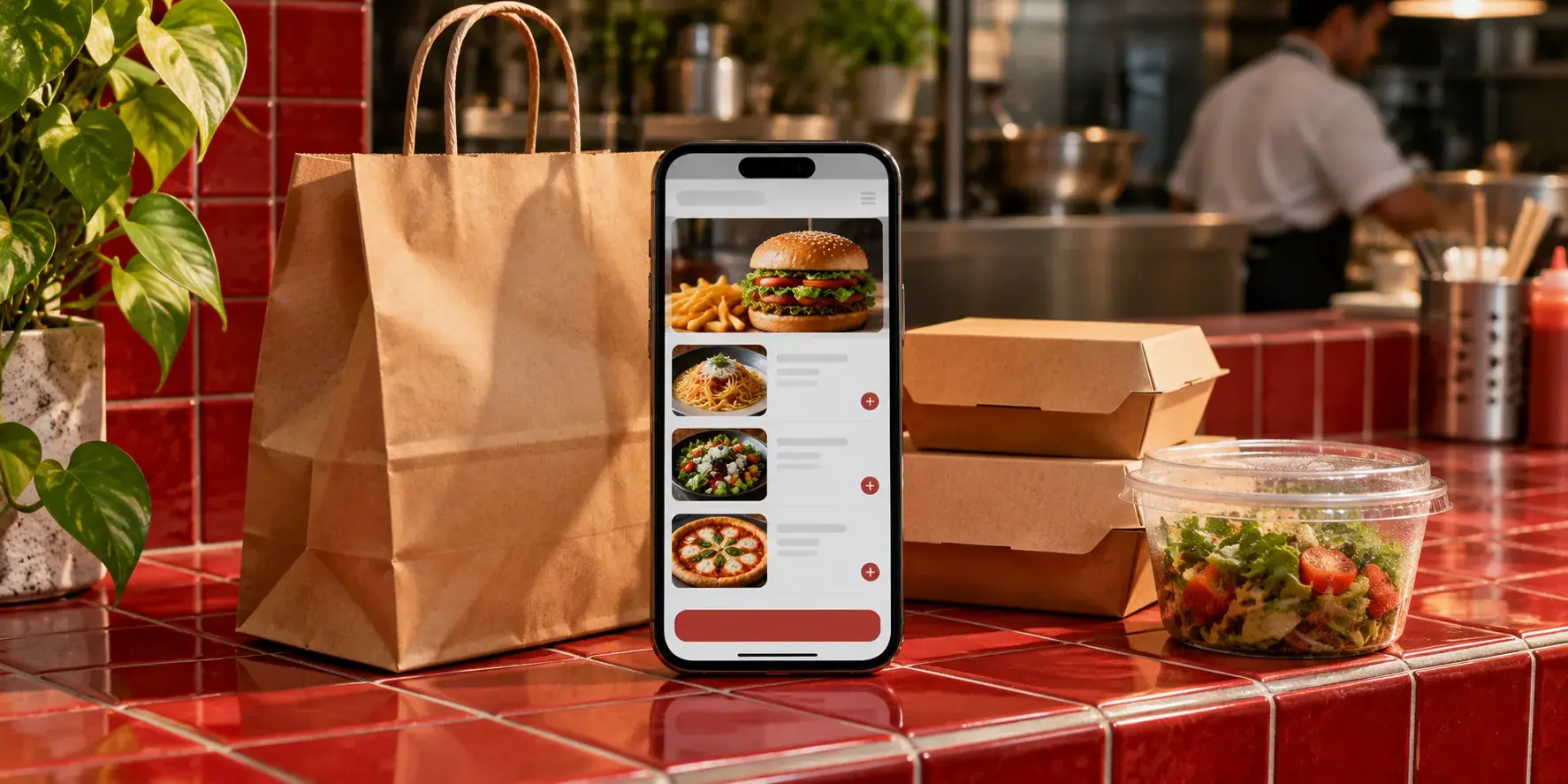
Dedicated platforms provide a hosted ordering page or embeddable widget, a menu editor built for food (modifiers, allergens, cooking times, sold-out toggles), order management for the counter and kitchen, and usually a choice of collection, delivery and table ordering. You link to it from your website's "Order" button or embed it on a page.
Strengths: built for restaurants, menu and orders in one place, kitchen screen or POS integration available, often commission-free. Weaknesses: another subscription, another admin, and sometimes a customer journey that leaves your site for the provider's page.
Best for: most independent restaurants and small groups.
Zervoo, which we build and run, sits in this category for in-venue ordering: guests order from a QR menu in the browser with photos, prices, cooking times and allergens, orders land on a kitchen screen, and the counter POS closes the bill. There is no commission, no setup fee and no hardware to buy. It does not yet take payment from the guest's phone (that is coming through the venue's own payment provider), and delivery-app orders are not connected, so if your priority today is paid delivery orders from the website, read the cost section honestly before choosing it. A restaurant website is available as an add-on so the same menu serves the site and the tables. Details are on the Zervoo product page.
Route 3: a custom online ordering system
A custom build gives you exactly the flow you want: your own branding end to end, your own rules for zones, time slots and promotions, integration with the POS and kitchen you already run, and data you own completely.
Strengths: no per-venue platform fees at scale, a journey that never leaves your site, any integration you need. Weaknesses: a project cost up front, hosting and maintenance after, and you are responsible for payments compliance through your provider.
Best for: groups with several venues, hotels and cloud kitchens with unusual flows, or anyone who has outgrown platform limits. We build these as part of our hospitality software work, often connecting a custom ordering front end to an existing POS.
What each route costs, line by line
Vendors quote headline prices; your bill is the sum of the lines below. Ask for every line at your expected monthly order count before you compare.
| Cost line | Builder plugin | Ordering platform | Custom build |
|---|---|---|---|
| Setup | Usually none | Sometimes a setup fee; Zervoo has none | Project cost |
| Monthly fee | Small, per site | Per venue, by plan | Hosting and a maintenance retainer |
| Commission per order | Rare | Some charge it; commission-free platforms do not | None |
| Card processing | Paid to the payment provider | Paid to the payment provider | Paid to the payment provider |
| Kitchen or POS integration | Often extra or unavailable | Included or add-on | Built in |
| Menu changes | Your time | Your time, from any device | Your time, plus developer time for new features |
| Switching cost later | Low | Medium (menu export, customer data) | High (you own it, so you maintain it) |
Two rules make the comparison fair. First, card processing is a cost on every route and goes to the payment provider, so do not credit a platform for "including payments". Second, work out the commission line at a realistic volume: a percentage that looks small per order can exceed a flat subscription many times over once orders are steady.
Keeping the menu in sync so the website never lags the kitchen
The most common failure in a restaurant online ordering setup is not technical. It is a website menu that drifts from reality: a dish sold out at 7pm still orderable at 8pm, a price change made on the printed menu but not online, a special that ended last week still accepting orders.
The fix is to have one menu that everything reads from: the website, the QR menu on the table, the kitchen screen and the till. When the chef marks a dish sold out, it disappears from all of them at once. When the owner changes a price from home on a Sunday evening, the website reflects it before Monday service.
When comparing systems, ask three questions:
- Can a dish be marked sold out in one tap, and does that apply to the website immediately?
- Can prices and menu items be changed from a phone, anywhere, without calling a developer?
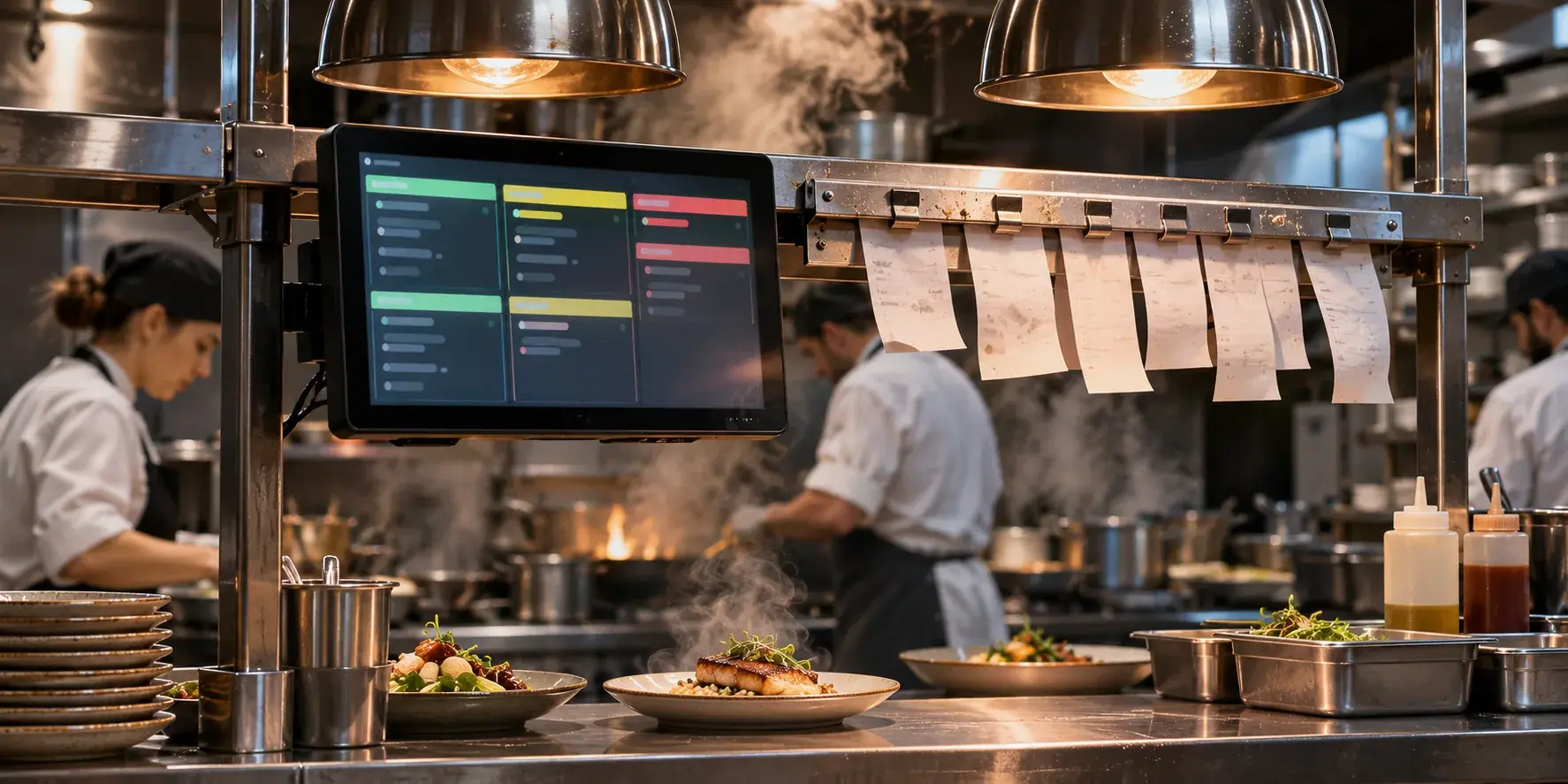
- Do web orders arrive on the same kitchen screen as table orders, oldest first, with the customer's notes attached to the dish?
A system that answers yes to all three removes most of the daily friction. One that needs orders retyped into the till will be abandoned by staff within a month, whatever it cost. Our earlier post on kitchen display systems versus printed tickets covers the kitchen side of that question.
Pickup, delivery and payment: decide these before you choose a system
Collection first
Collection is the simplest service mode to launch. There are no zones, no drivers and no cold-food complaints. Decide how customers choose a time (next available, or a time slot), how the kitchen is told the collection time, and how the customer is notified when the order is ready (SMS, email or a status page).
Delivery, and whose drivers
Delivery adds zones (by postcode, radius or drawn map), a delivery fee rule, minimum order values, and either your own drivers or a courier integration. If you do not have drivers, a courier partner integration lets your website take the order while a third party delivers it, which is cheaper per order than a full marketplace commission but still a cost line. Many restaurants run collection from the website and keep delivery on the marketplaces until direct volume justifies more.
Table ordering
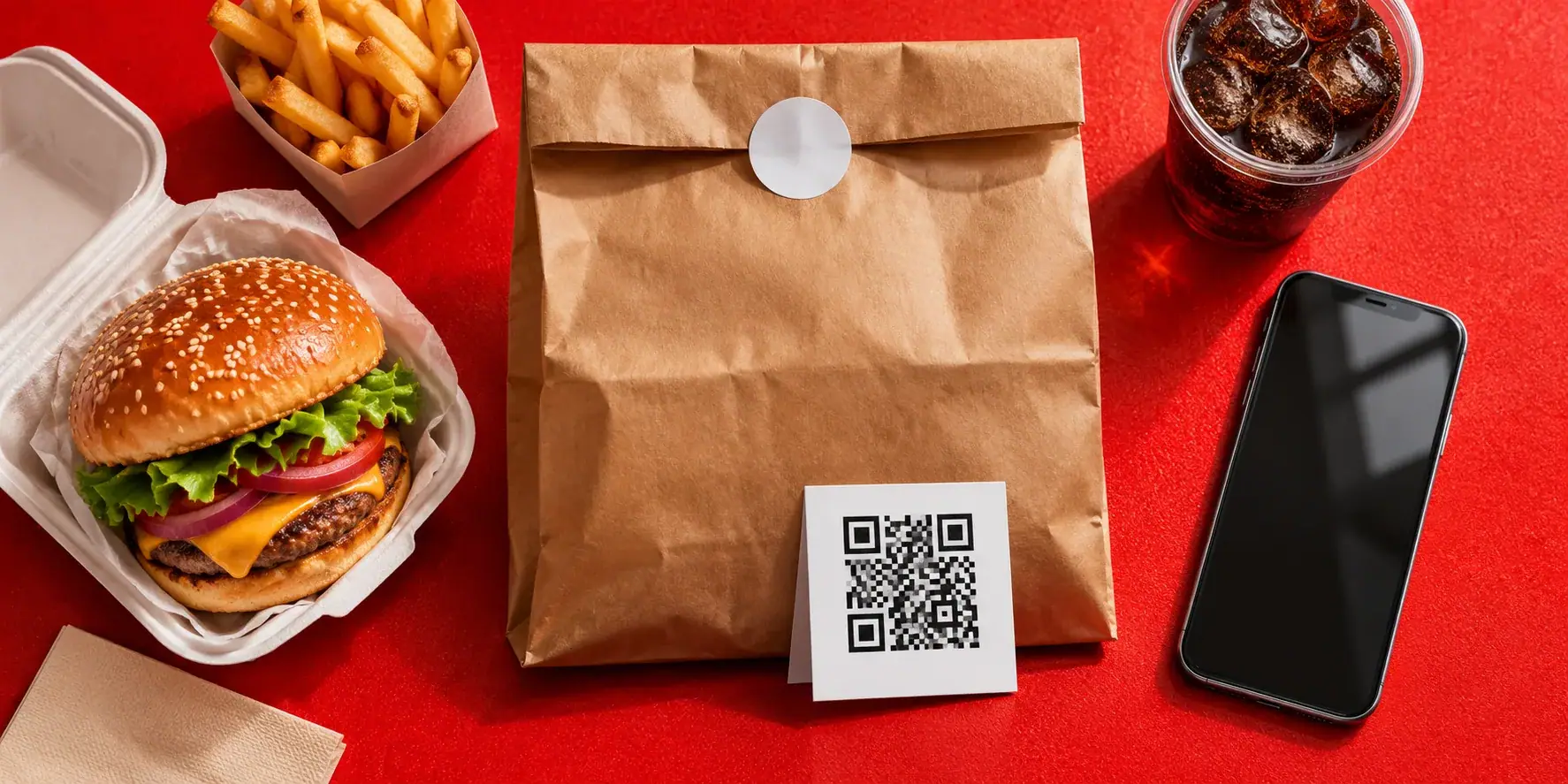
If you serve dine-in guests, the same menu can power a QR code on the table. Guests order from their phone, the order reaches the kitchen screen, and the bill closes at the counter. This is where Zervoo starts for most venues, and it uses the same menu you would publish on the website.
Payment
Decide whether customers pay online at checkout, pay on collection, or both. Online payment needs a payment provider account in the restaurant's name and a checkout that handles failed payments and refunds cleanly. Pay-on-collection removes the payment integration but increases no-shows, so it suits venues with a regular customer base. Whatever you choose, the payment provider should be yours, so that switching ordering system later does not mean switching merchant account.
A one-week setup plan for restaurant online ordering
A realistic plan for a single venue adding ordering to an existing website, using a builder plugin or an ordering platform:
- Day 1: decide the service modes. Collection yes or no, delivery yes or no, table ordering yes or no, payment online or on collection. Write it on one page.
- Day 2: prepare the menu. Every item with price, description, allergens, modifiers and a photo if you have one. A long menu is the slowest part of setup, so start it first.
- Day 3: set up the system. Create the account, load the menu, configure opening hours and collection times, connect the payment provider. On a platform like Zervoo, the setup itself takes one call of about twenty minutes; a long menu takes an afternoon.
- Day 4: connect the kitchen. Put a tablet or screen where orders arrive, train the kitchen on marking dishes ready and sold out, and run three test orders end to end.
- Day 5: put it on the website. Add the "Order" button or embedded widget to the home page and menu page, and check it on a phone, because that is where most orders will come from.
- Day 6: soft launch. Tell regulars by email or social media and watch the first real orders arrive. Fix anything confusing.
- Day 7: review. Check order times, kitchen feedback, payment settlement and the menu for errors. Then plan the push to move marketplace customers across.
A custom build follows the same shape but the setup days become sprints, and the kitchen integration is built rather than configured.
Choosing the route that fits your restaurant
The decision is practical. A single venue with a short menu and a builder website can add a plugin this week. Most independent restaurants and small groups are better served by a commission-free ordering platform that keeps the menu, kitchen and counter in one system and lets the website read from it. Groups, hotels and cloud kitchens with flows nobody sells should look at a custom build connected to the POS they already run. In every case, choose on menu sync, kitchen flow and the total monthly cost at your real volume, not on the headline price.
If you want to talk through an online ordering system for a restaurant website, whether that is Zervoo, a platform you are already looking at, or a custom build for a group, book a free 30-minute discovery call. A senior engineer talks it through, and we send a written approach, timeline and estimate within two business days.