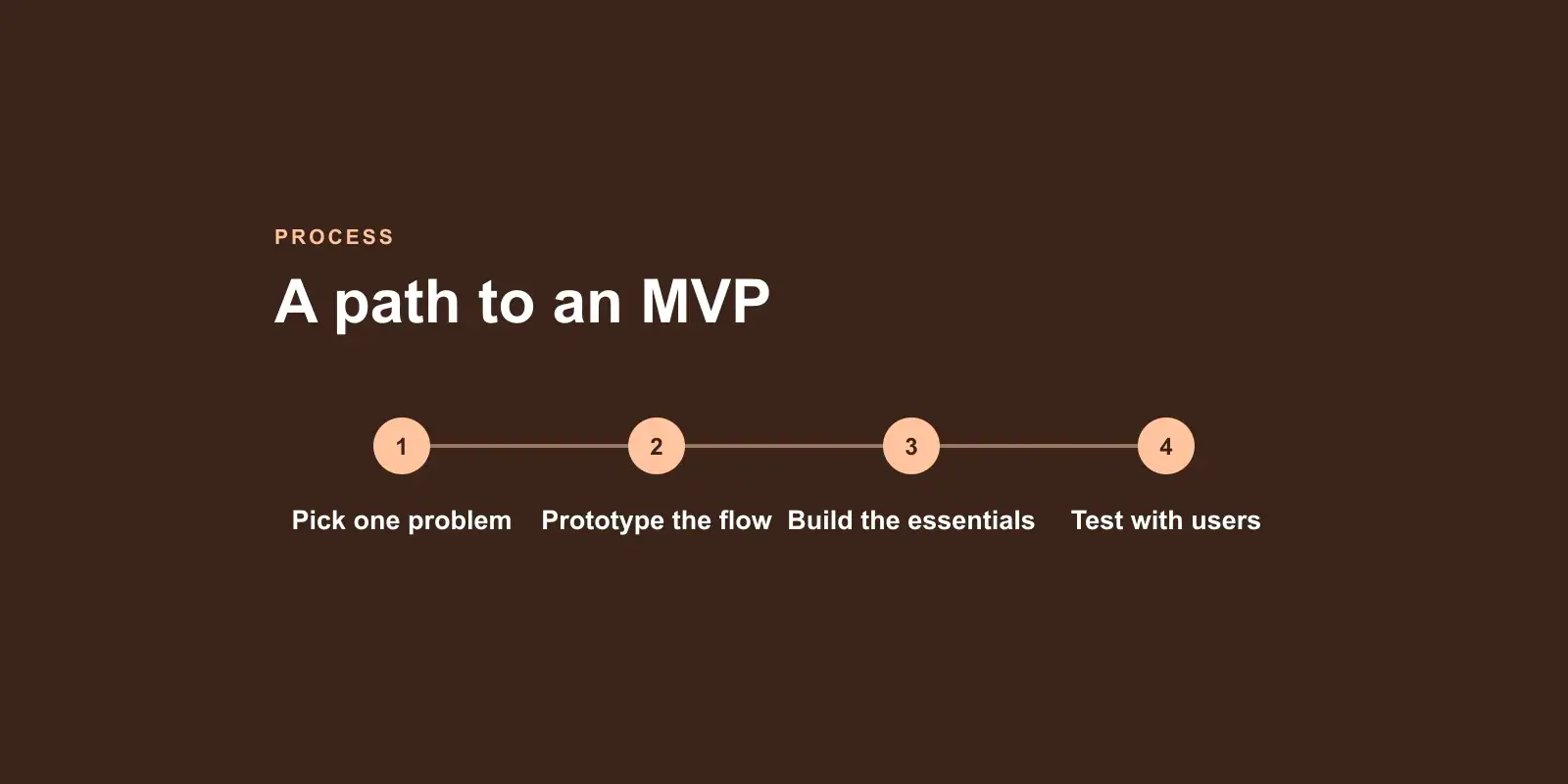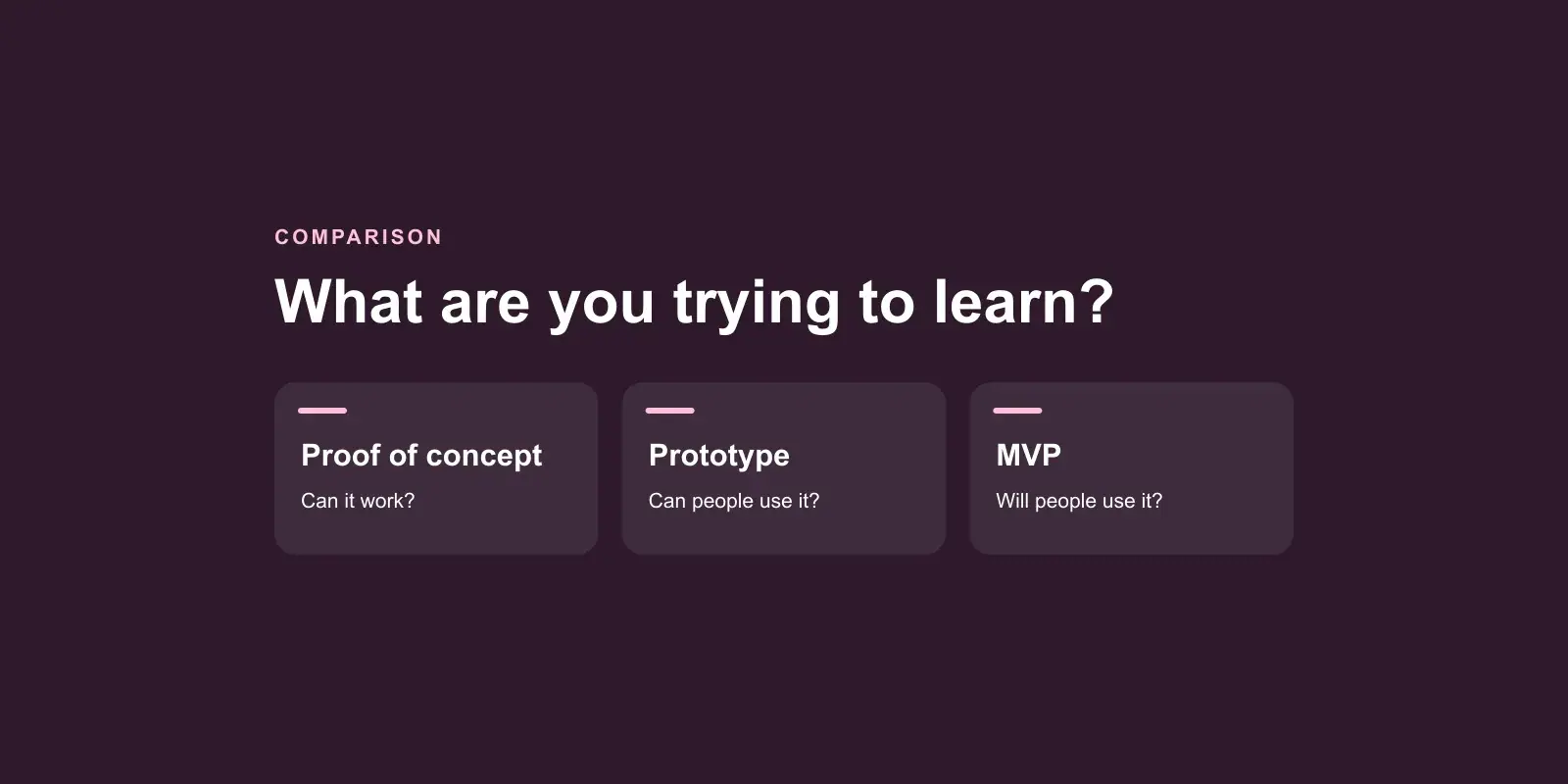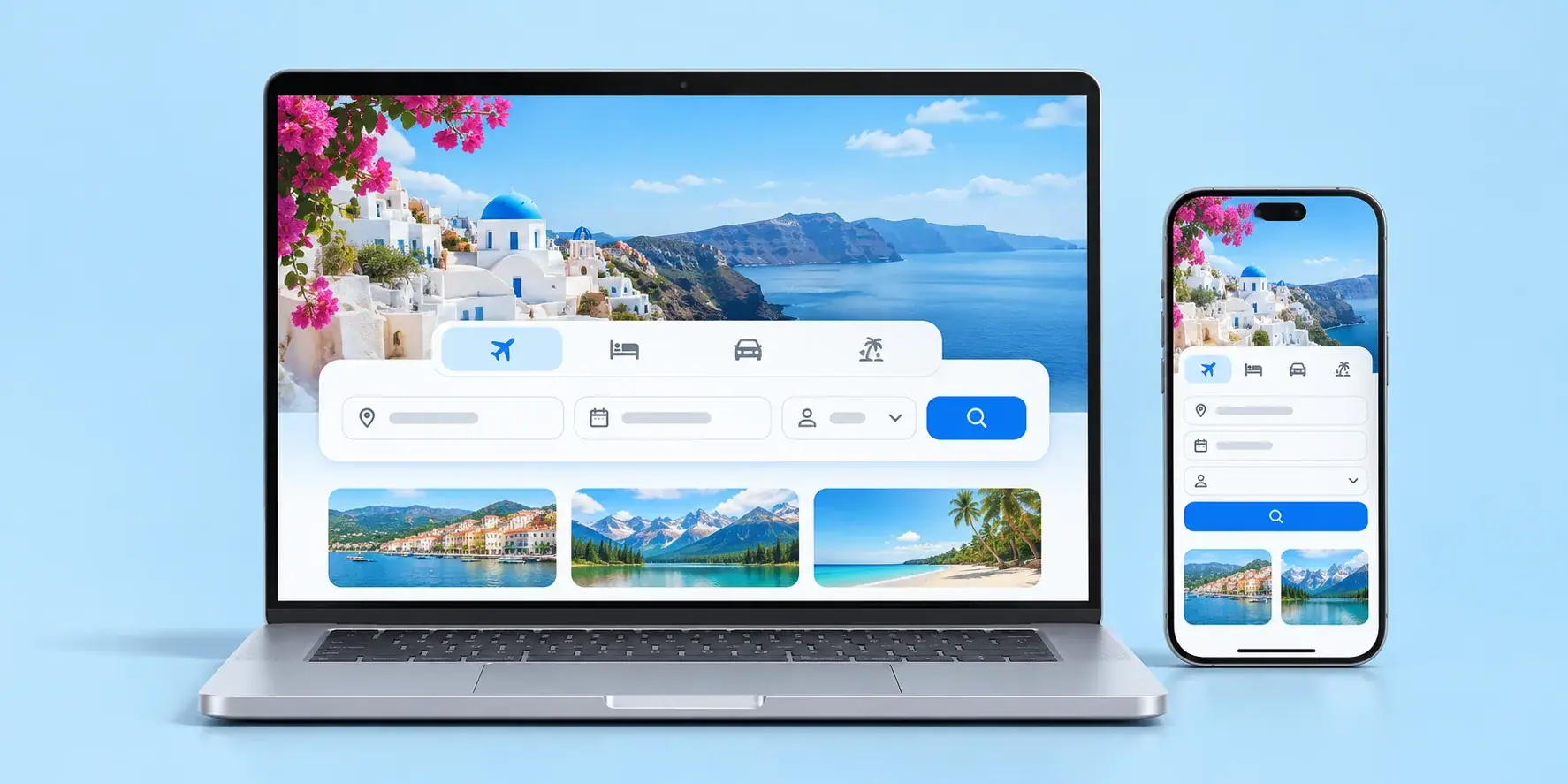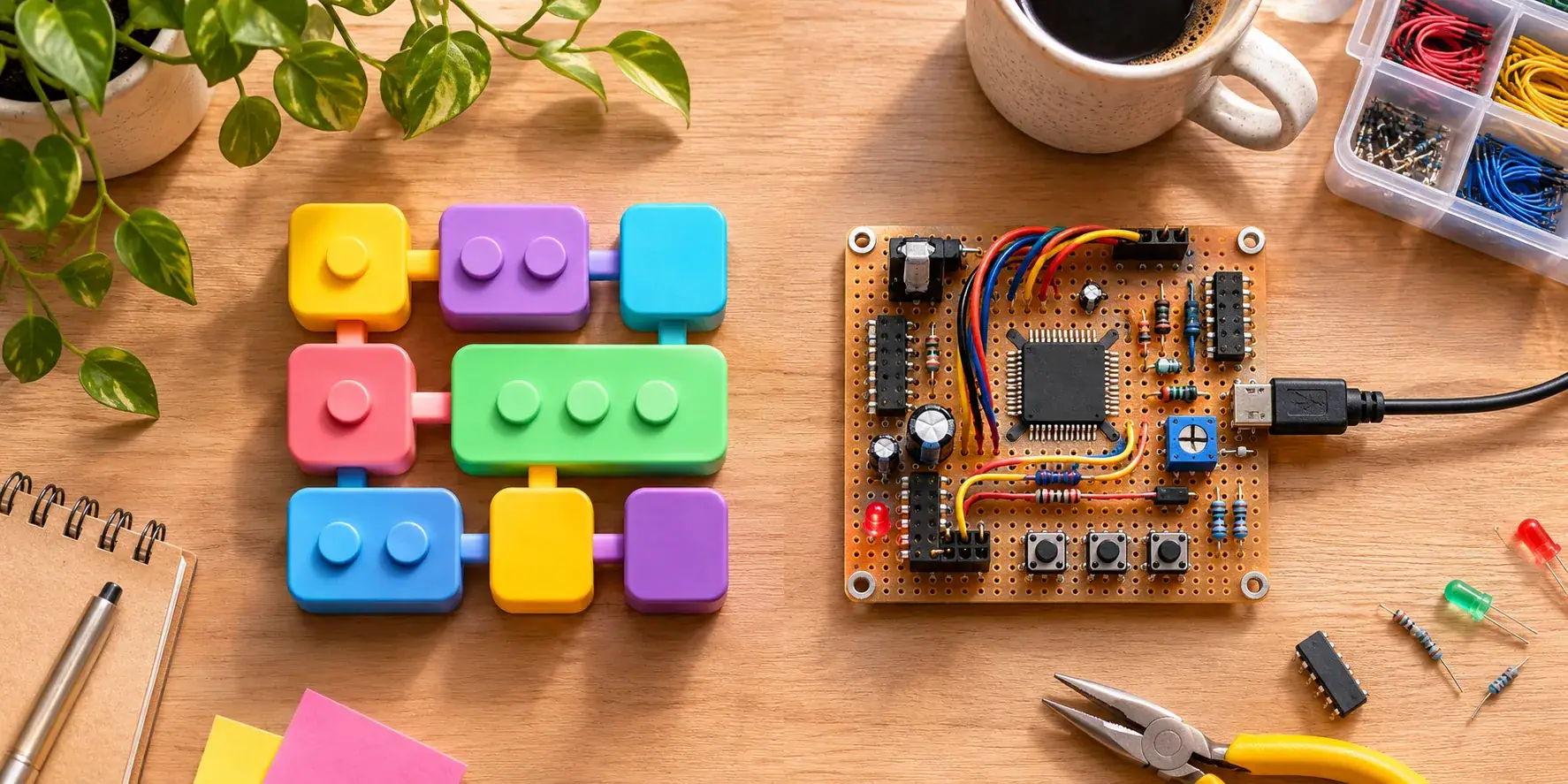
No-code vs custom code MVP is a question about what you are trying to learn, not about technology. If you are testing whether anyone wants the product, and the product is forms, lists, dashboards and ordinary workflows, build it in no-code, get it in front of users, and keep your money for the rebuild if the idea works. If the product's value lives in real-time behaviour, unusual logic, regulated data or an integration the platform cannot reach, start in custom code, because the no-code version would fail before it taught you anything. Everything else in this post is the detail behind that rule: what no-code does well, where custom code is unavoidable, a decision table, the hybrid route, and how to plan the rebuild from the first day.
What a no-code MVP does well
No-code platforms (Bubble, Softr, Glide, Webflow with a database, Airtable-backed tools and their peers) exist because a large share of early products are the same shapes: a sign-up, a form, a list of things, a detail page, a dashboard, an email when something happens. For those shapes, a no-code MVP wins on three counts.
- Speed to a real user. A founder or a product person can build a working version in days, change it the same afternoon a user complains, and never wait on a developer's calendar.
- Cost before validation. The monthly platform fee is small next to a development sprint, and you stop paying the day you stop.
- Learning per pound. The point of an MVP is to learn, which we covered in how long it takes to build an MVP and what an MVP costs and what you pay for. No-code shortens the loop between a hypothesis and a user's reaction, and the loop is what you are buying.
There is a second, quieter benefit. A no-code MVP that has been used for three months is the best specification a custom build will ever get. You know which screens people open, which fields they leave blank, and which feature nobody touched. The rebuild, if it happens, scopes itself.
Where custom code is unavoidable
The no-code vs custom code MVP decision tips towards custom code when one of these is at the centre of the product, not at the edge.
Real-time and concurrent behaviour
Live order boards, shared editing, chat, auctions, dispatch screens, anything where two people need to see the same change within a second. Platforms can approximate this with polling, and the approximation is exactly what users will notice first.
Unusual business logic
Pricing engines with many rules, scheduling with constraints, matching algorithms, anything that needs a loop over thousands of records with conditions. No-code tools express logic as visual workflows, which is fine for ten steps and painful for a hundred. When the logic is the product, write it in code where it can be tested.
Regulated or sensitive data
Health records, payment data, identity documents, children's data. You need audit logs, encryption choices, data residency, retention rules and a vendor agreement you can sign. Some platforms offer some of these on higher tiers; many do not, and you cannot build what the platform does not expose.
Integrations the platform cannot reach
If the product depends on a legacy system, an on-premise database, a bespoke API or hardware (printers, scanners, card terminals, kitchen screens), the integration is often the hardest part, and platforms support only the common cases.
Performance and cost at volume
Platform pricing by records, workload units or seats grows with usage, sometimes faster than revenue. Products that will hold large data or run heavy background jobs hit both a performance ceiling and a bill. It is worth reading the platform's pricing page for the unit it charges on before you commit, because that unit is what you will be optimising later.
The product is the technology
If your pitch is "we do X better because of how we built it", a platform cannot deliver the differentiation. This is rarer than founders think, and worth being honest about.
No-code vs custom code MVP: the decision table
Score your product against each row. A product that sits in the right-hand column on two or more rows should start in custom code.
| Question | Points to no-code | Points to custom code |
|---|---|---|
| What are you trying to learn? | Whether anyone wants it | Whether the hard part can be built |
| Core experience | Forms, lists, dashboards, emails | Real-time, maps, media, complex calculation |
| Business logic | Standard workflows, simple rules | Many rules, loops, matching, scheduling |
| Data | Ordinary customer and content records | Health, payments, identity, large volumes |
| Integrations | Common SaaS tools with connectors | Legacy, on-premise, hardware, bespoke APIs |
| Who builds it | A founder or product person | Needs an engineer anyway |
| Likely user count in year one | Small, predictable | Large or spiky |
| Horizon on the platform | Months, with a rebuild expected if it works | Years; the MVP is the first version of the product |
| Budget before validation | Tight | Enough for a small senior team |
The table is deliberately short. If you find yourself arguing about a row, the answer for that row is probably "custom", because the argument means the thing is harder than it looks.
Also separate the MVP from a prototype or proof of concept. A clickable prototype can be built in a design tool for far less than either route, and a proof of concept for a risky technical piece can be a few days of custom code with no interface at all. Our earlier post on MVP vs prototype vs proof of concept draws those lines.
The hybrid option: no-code front, custom back
Many products do not sit neatly on one side, and the practical answer is a mix. The two common patterns:
No-code interface, custom core. Build the screens, sign-up and admin in a no-code tool, and write the one hard piece (the pricing engine, the matching logic, the integration) as a small custom API the platform calls. You keep the speed on the parts that change daily, and you put tests around the part that must be right.
Custom product, no-code operations. Build the customer-facing product in code and run the back office (support queues, content, reporting, approvals) in Airtable, Retool or similar. Internal tools tolerate platform limits far better than customers do, and this pattern avoids building admin screens nobody outside the company sees.
Both patterns are cheaper than they sound because the custom part is small and well-defined. They also make the eventual rebuild easier: the core logic already lives in code with tests, so the rebuild is mostly screens.
One caution on AI-assisted "vibe coded" MVPs, which sit between the two routes. They are quick like no-code and fragile in ways no-code is not, because nobody reviewed the code the tools produced. We described the pattern in why AI-generated code breaks in production; treat such an MVP as a prototype, not as the first version of a product.
Planning for the rebuild from day one
If you choose no-code, assume a rebuild is possible and make it cheap. The choices below cost almost nothing on the day and save a great deal later.
- Keep your own data export. Schedule a regular export of every table to a format you control. The day you migrate, you want clean data, not a last-minute scramble through the platform's export tool.
- Use your own accounts for everything around the platform. Domain, email sending, payment provider, analytics, file storage. The platform can be swapped; the accounts around it should not have to be.
- Write down the rules as you add them. Every workflow you build in the visual editor is a business rule. A one-line note per rule in a shared document becomes the specification for the rebuild.
- Keep the hard logic out of the platform where you can. If something needs code, put it in a small external service from the start rather than fighting the visual editor.
- Watch the unit the platform bills on. When that number starts to track revenue too closely, start the rebuild conversation before the bill forces it.
- Set a trigger, not a date. "We rebuild when we have paying customers and the platform is costing us more than a sprint a month in workarounds" is a better rule than "we rebuild in Q3".
When the trigger fires, the rebuild follows a normal product process, with the advantage that the scope is already validated. This is where our SaaS and product engineering work usually begins for no-code founders: a working product with real users, a clear list of what to keep, and a need for multi-tenant architecture, billing and a foundation that will not need replacing again.
Making the no-code or custom code call for your startup
The decision rule once more: if you are learning whether anyone wants the product, and the product is ordinary shapes, build the MVP in no-code and plan the rebuild from day one. If the product's value is real-time, logic-heavy, regulated, hardware-bound or integration-bound, start in custom code with a senior team and keep the first version small. If you are somewhere in between, build the hard piece in code and everything else in the platform. Whichever you choose, keep the data, the accounts and the rules in your own hands so that the next step is a migration and not a rescue.
If you are weighing a no-code vs custom code MVP for your own idea, book a free 30-minute discovery call. A senior engineer talks through what you need to learn and what the hard part really is, and we send a written approach, timeline and estimate within two business days.