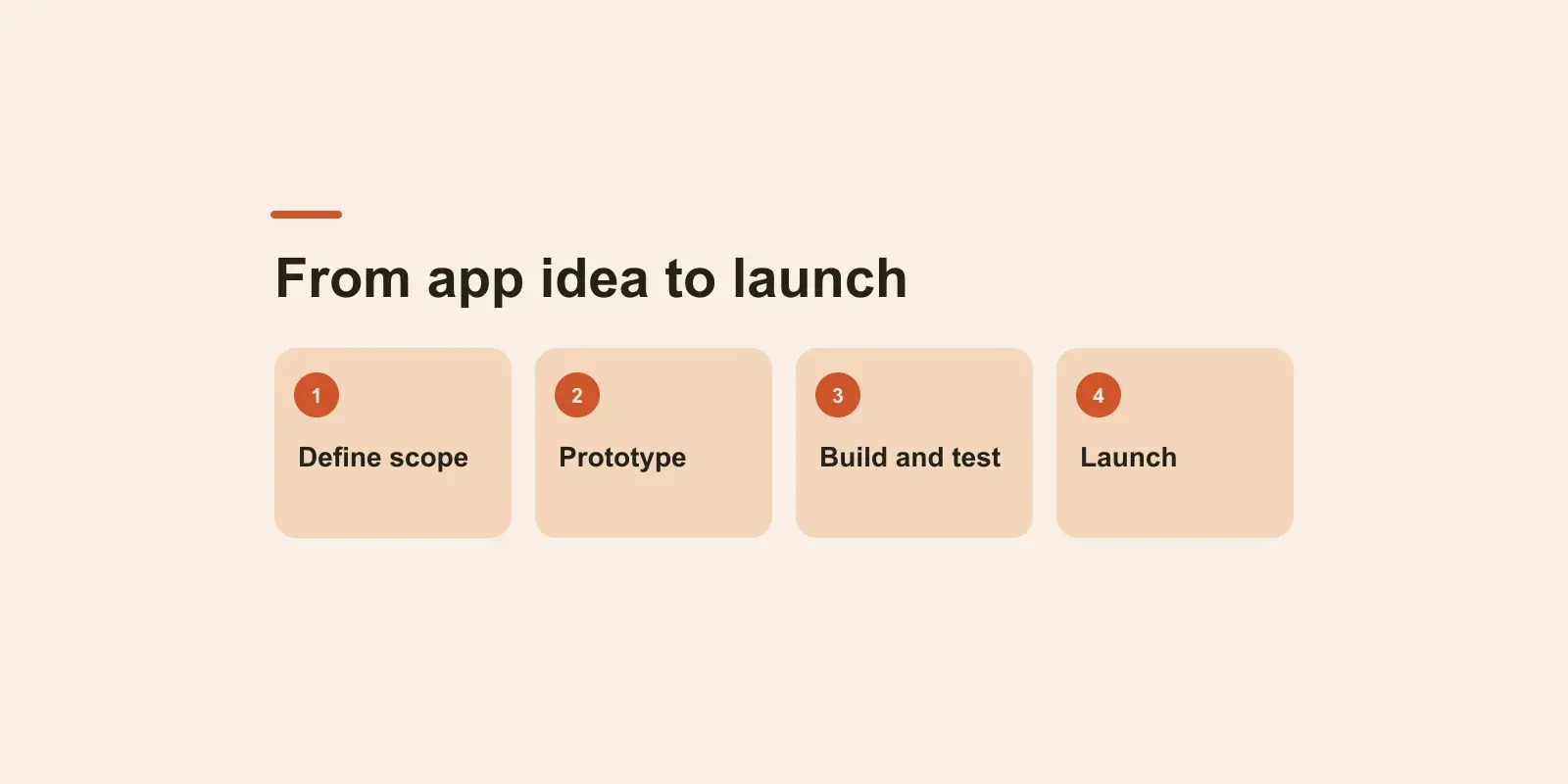
MVP development is the process of building the smallest version of a product that can test your riskiest assumption with real users, and building it well enough that what you learn can be trusted. In practice it comes down to eight steps: name the problem, find the assumption most likely to sink you, scope features into must, should and later, decide what not to build, design and prototype the core flow, build with the production basics in place, launch to a group you can talk to, then measure and iterate. This guide walks through each step and the decisions founders most often get wrong along the way.
The short version: an MVP is small on purpose, never broken on purpose. Cutting features is the job. Cutting quality on the features you keep defeats the point.
What a minimum viable product is, and what it is not
Most of the trouble with MVPs starts with the name. Founders hear "minimum" loudly and "viable" quietly. Minimum is about scope: as few features as possible. Viable is about quality: the features that exist have to work, every time, for real people with real data.
An MVP is not a buggy version of the full product. If you ship ten features that each half work and users drift away, you have learned nothing, because you cannot tell whether they rejected the idea or the bugs. Three features that work reliably give you a clean answer.
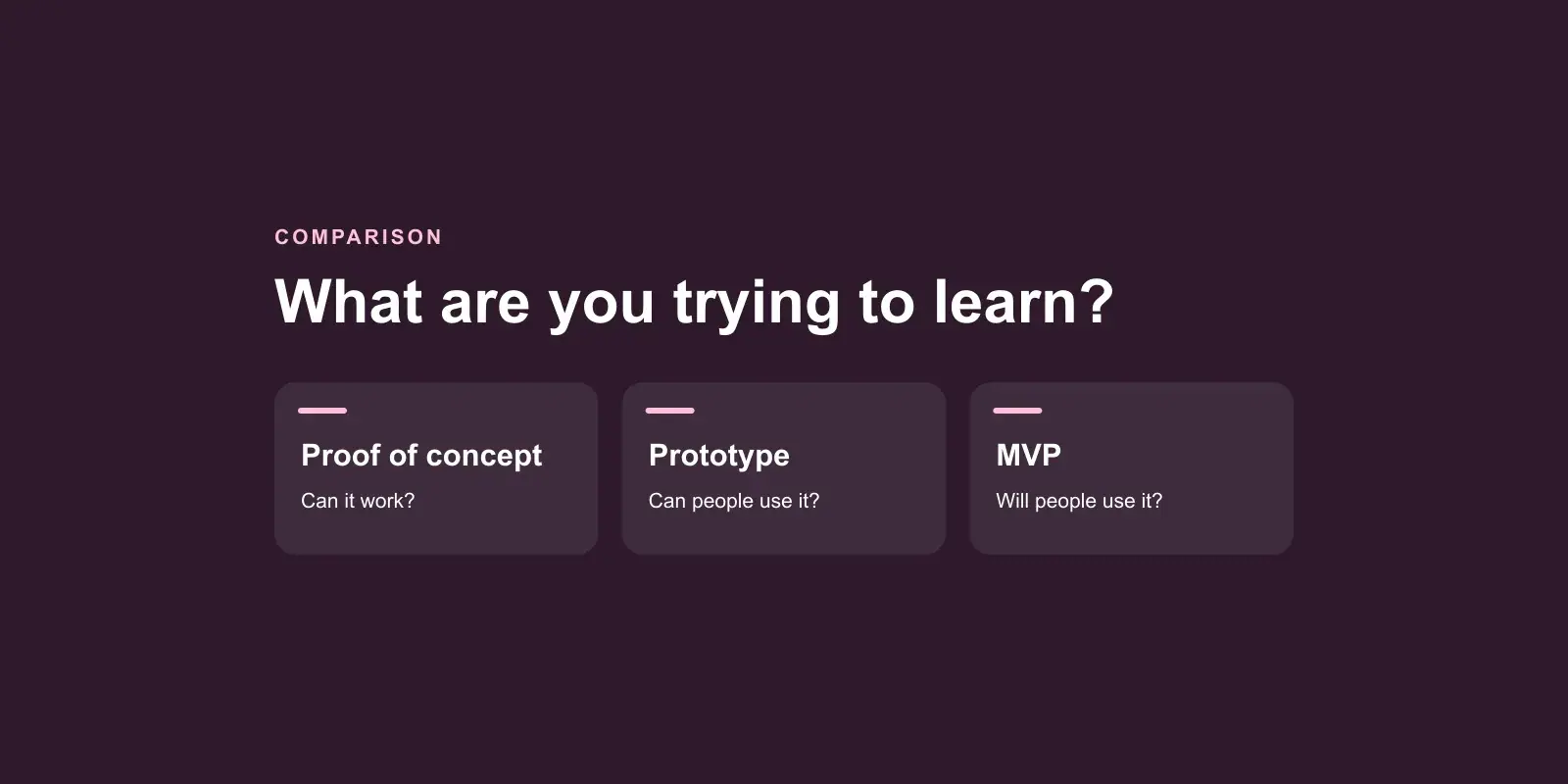
It is also not a prototype, and not a launch for everyone. The difference matters because each one answers a different question.
| Clickable prototype | MVP | Full product | |
|---|---|---|---|
| Question it answers | Do people understand it? | Will people use it, return, or pay? | Can it serve the whole market? |
| Real data | No | Yes | Yes |
| Real money | No | Often | Yes |
| Feature count | The main flow, faked | The fewest that test the assumption | Whatever the market needs |
| Quality bar | Looks right | Works right, safely | Works right at scale |
A well-built MVP does not have to be thrown away, either. If the foundations are sound, it becomes the first version of the codebase you keep growing.
Step 1: Write down the problem, not the product
Before features, write one paragraph: who has the problem, what it costs them, and what they do about it today.
Say a physiotherapy clinic loses appointments because patients book by phone, forget, and never show up. Today the receptionist keeps a spreadsheet and calls people the day before when there is time. That paragraph is more useful than any feature list, because it tells you what you are competing with: a spreadsheet and a phone call.
If people already use a clumsy workaround, the pain is real. If nobody does anything about it, it may not hurt enough to change their behaviour.
Step 2: Find your riskiest assumption
Every product idea rests on a stack of assumptions. For the clinic example they might be:
- Clinics lose enough appointments to care.
- Patients will book online instead of calling.
- Reminders actually reduce no-shows.
- Clinics will pay a monthly fee for it.
- You can reach clinic owners to sell it.
Pick the one that would kill the business if it were wrong and that you are least sure about. That is what your MVP exists to test. Not the whole vision, one assumption.
Sometimes the honest answer is that the riskiest assumption can be tested without software. A landing page, a manual service run over email, or a few sales conversations can tell you whether clinics will pay before anyone writes code. Do that first if you can. It is the cheapest MVP there is.
Step 3: Set your MVP scope with must, should and later
Once you know the assumption, list every feature you have imagined and sort each one into three buckets:
- Must: the assumption cannot be tested without it, or the product would be unsafe or unusable without it.
- Should: it makes the experience better, but the test still works without it.
- Later: everything else, however good the idea is.
Here is how that might look if the riskiest assumption is "reminders reduce no-shows enough that clinics will pay":
| Feature | Bucket | Why |
|---|---|---|
| Patients book a slot online | Must | Without bookings there is nothing to remind |
| Clinic sees and confirms bookings | Must | A booking the clinic cannot see is worthless |
| Automatic reminder before the appointment | Must | It is the assumption being tested |
| Clinic pays a subscription | Must | Willingness to pay is half the assumption |
| Patients reschedule themselves | Should | The clinic can handle it by phone at first |
| Multiple locations per clinic | Later | Single-site clinics can test the idea |
| Native mobile app | Later | A mobile-friendly web page reaches the same patients |
| Reporting dashboard | Later | A simple export answers the early questions |
If your must list runs past a handful of items, the assumption is usually too broad. Narrow it until the list shrinks.
Step 4: Choose what not to build
Scoping tells you what to keep. This step is about being deliberate with what you cut, because the cuts are where most of the time is saved.
Common candidates to leave out of a first version:
- A polished admin panel. A plain internal page, or careful use of your database tools, is often enough while you have a small number of customers.
- Complex roles and permissions. Two roles, such as admin and user, cover most early products.
- Settings for everything. Pick sensible defaults. Add settings when a real customer asks.
- More than one integration. Choose the one your first users actually need.
- Automation of rare tasks. If something happens once a week, do it by hand for now: onboarding, invoicing, data imports.
Also buy what you can instead of building it. Login, payments, email delivery and file storage are solved problems with mature services behind them.
Keep a written "not now" list. It turns every cut into a recorded decision instead of something forgotten, and it gives you a ready-made backlog once the assumption is confirmed.
If you are unsure whether your first version should be a web app or a mobile app, web app vs mobile app walks through the decision.
Step 5: Design and prototype before you build
Map the core flow end to end on paper or in a design tool: the patient finds the booking page, picks a slot, gets a confirmation, gets a reminder, turns up. Then turn it into a clickable prototype and put it in front of a handful of people who match your users.
Watch them try the main task without help. Where they hesitate, the design is wrong. Fixing a flow at this stage costs an afternoon. Fixing it after it is built costs a sprint. This is the cheapest feedback loop in the whole process, and a good UI/UX design pass here pays for itself many times over.
Write the decisions down as you go: user flows, rules, edge cases. That matters even more if you plan to build with AI coding tools, which are fast at executing decisions and poor at making them. We covered why in why AI-generated code breaks in production.
Step 6: Build with the production basics in place
This is where "viable" lives. However small the feature list, a product that holds real people's data needs a short list of non-negotiables:
- Authentication and authorization. Use a proven sign-in approach, then check on every request that the logged-in user is allowed to see that specific record. In a SaaS MVP serving several businesses, each customer's data must be isolated from day one.
- Payments. If willingness to pay is part of the assumption, take real money. Use an established payment provider's hosted checkout, and handle the unhappy paths: failed cards, cancellations, refunds.
- Analytics. Before launch, decide which events answer your riskiest assumption, such as signed up, completed the core action, came back, paid, and make sure each one is recorded. Without this you launch blind.
- Backups. Automated database backups, plus one restore you have actually tested. A backup nobody has restored is a hope, not a backup.
- Error monitoring and logs. You need to know something broke before a customer tells you.
- Repeatable deployment. Shipping a fix should be routine, and so should rolling one back.
- Security hygiene. Secrets kept out of the code, HTTPS everywhere, input validated on the server.
- Legal basics. A privacy policy and terms, and the extra care your industry needs if you handle health or financial data.
None of this is gold plating. Each item is cheap to put in at the start and expensive to retrofit after customers depend on the product. For SaaS products, add tenancy, billing and onboarding to the list; that is the core of our SaaS product development work.
Step 7: Launch to a group you can talk to
An MVP launch is not a press release. It is putting the product in front of a defined group of early users you can reach directly: a waitlist, a few design partners, the clinics you spoke to in step 2.
Before launch, write down what success looks like in numbers you set yourself. For example only: "Most clinics we onboard are still sending reminders after a month, and at least some of them pay." The point is not the exact threshold. It is deciding in advance, so you cannot reinterpret the results to fit what you hoped.
Step 8: Measure, learn and iterate
Look at behaviour first, compliments second: people are polite in interviews and honest with their usage. Talk to the users who stopped, not just the ones who stayed.
You will land in one of three places:
- Confirmed. Move the most requested "should" items up, then find the next riskiest assumption and repeat.
- Refuted. Change direction or stop. That is a good outcome, because you found out cheaply.
- Unclear. Usually a sign the audience was too broad or the metric was not measuring the assumption. Tighten one of them and run it again.
Iterate in short cycles. Each cycle should be small enough that you can tell which change caused which result.
How long MVP development takes, and what drives cost
There is no honest single answer, because the drivers vary so much: the number of user roles, integrations, platforms, payment flows and whether you handle regulated data.
You can reason about it yourself, though. As an example only: if your must list breaks into six user-facing features, and a team of two estimates roughly a week each, that is around six weeks of build before design and launch preparation. Multiply people by weeks by rate and you have a budget range. Your numbers will differ, which is why they should come from your own must list.
If you want a professional read, Upwwards gives a written estimate within two business days of a free 30-minute discovery call.
Choosing an MVP development company
If you bring in a team, ask questions that reveal how they think, not just what they charge:
- Will they challenge your scope? A team that builds everything you list without pushing back is not protecting your budget.
- Do the production basics come included? Auth, backups, monitoring and deployment should be in the plan, not extras.
- Will you own the code and the accounts? You should hold the repository, the cloud accounts and the domain.
- What happens after launch? The learning starts at launch. You need someone who can iterate quickly.
- Which engagement model fits? Fixed price suits a clear, stable scope. Time and material suits a product that will change as you learn, which most MVPs do.
Before you talk to anyone
Write three things on a single page: the problem in one paragraph, your riskiest assumption in one sentence, and your must list. If you can do that, you are ready to build. If you cannot, that page is the first piece of work, and it costs nothing but an afternoon.
When the page is done, book a discovery call and we will tell you honestly what it would take to build.