An App Store rejection minimum functionality notice means the reviewer looked at your app and saw a website. Apple's guideline 4.2 asks that an app offer "features, content, and UI that elevate it beyond a repackaged website", as the App Store Review Guidelines put it. The fix is not to argue harder. It is to add the native capability the reviewer could not find, show it in a short video, and resubmit. This post explains what the guideline is really testing, why single-venue and webview apps fail it, what to add, how to reply, and how to avoid the rejection before you spend the budget.
What an App Store rejection minimum functionality notice is really saying
Guideline 4.2 sits under "Design" in Apple's guidelines, and the rejection usually cites 4.2 or one of its sub-clauses, most often 4.2.2, which says apps should not primarily be marketing material, advertisements, web clippings, content aggregators or a collection of links. The reviewer's message is normally short and generic, which is why so many business owners read it as "Apple does not like my business". It is not personal. It is a judgement that the app, as submitted, does nothing a browser bookmark would not do.
Reviewers are not counting screens or features. They are asking whether the experience is "app-like": does it use the device, does it work when the network drops, does it hold state between launches, does it do something a web page cannot. A ten-screen app that is all static text can fail. A three-screen app that scans a QR code, saves it offline and sends a notification can pass.
Two related sub-clauses catch business apps often:
- 4.2.3: the app should be useful on its own, without requiring users to download other apps or complete steps elsewhere first.
- 4.2.6 (as historically applied): apps generated from templates or app-builder services are scrutinised more closely, and Apple has at times required that such apps be submitted by the business whose content they carry, not by the builder.
Why webview and single-venue apps get rejected
The common pattern behind an App Store rejection for minimum functionality is an app built as a thin wrapper: a WebView component pointed at an existing website, sometimes with a splash screen and a tab bar on top. It is cheap to make and it demonstrates well, because it looks like the website the owner already likes. The reviewer opens it, swipes around, sees the website, and rejects.
Single-venue apps fail for a second reason. A restaurant app that shows a menu, opening hours and a "call us" button, or an event app for one conference with a schedule and a map, has little a web page cannot do. Reviewers have rejected plenty of these, and the forum threads on Apple's developer site are full of owners asking why. The answer is that the business is legitimate but the app is not, in Apple's sense: nothing in it needed to be an app.
A third, less obvious cause: an app whose native features exist but are not visible to the reviewer. If push notifications only trigger after an order, and the reviewer cannot place an order with the test account, they see a website. If offline mode only shows after the first sync, and the reviewer never gets a successful first sync, they see an error. Apps are rejected for what the reviewer experiences in a few minutes, not for what the code can do.
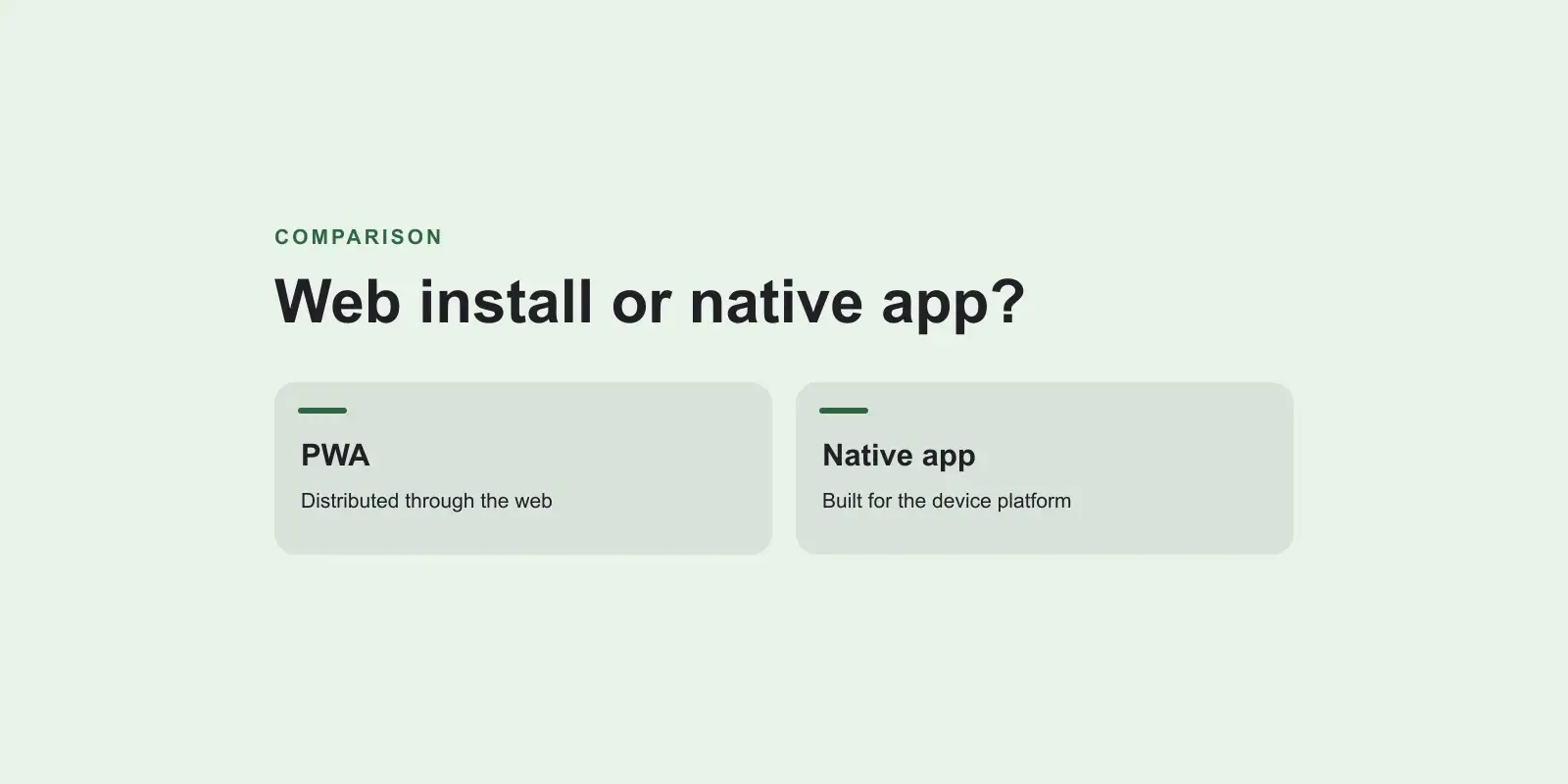
If you are weighing whether to build a native app at all, our earlier comparison of a PWA versus a native app for a business covers the case where a web app is the better answer and the store is simply the wrong channel.
Native features reviewers look for
There is no official list, but years of rejections and approvals make the pattern clear. The features below turn a wrapped site into something Apple accepts, and they are features users actually want, so this is not padding.
| Feature | Why it counts | Typical business use |
|---|---|---|
| Push notifications with a purpose | Only an app can do this; shows ongoing engagement | Order ready, booking reminder, delivery update |
| Offline access to real content | Demonstrates the app holds state, not just a URL | Saved tickets, cached menu, last invoice |
| Camera or scanner | Uses device hardware | QR check-in, document capture, barcode lookup |
| Location | Uses device hardware and permissions | Nearest branch, delivery tracking, geofenced offers |
| Biometric sign-in | Native security feature | Returning customer login, staff access |
| Native navigation and gestures | Feels like an app, not a page | Tab bar, pull to refresh, swipe actions |
| Apple Wallet passes, Sign in with Apple, widgets | Platform integration | Loyalty cards, quick sign-in, order status at a glance |
| Accounts with personalised state | Shows the app is a service, not a brochure | Order history, saved addresses, preferences |
You do not need all of these. Two or three that make sense for your business, working on first launch with the reviewer's test account, are usually enough. The decision rule: pick features that a real customer would miss if you removed them. Those are the same ones that satisfy the reviewer.
Where you implement them matters less than people think. A Flutter or React Native app, or a web app wrapped with a native shell that adds push, offline storage, camera and a native navigation layer, can all pass. What fails is the shell with nothing in it. Our note on Flutter versus React Native for business apps covers that choice if you are starting from scratch.
How to reply to the rejection, and when to appeal
The rejection arrives in App Store Connect with a message in the Resolution Center. You have three options, and the right one depends on whether the app already has native features.
If the native features exist but the reviewer did not see them
Reply in the Resolution Center. Keep it factual: list the native features, explain exactly how to reach each one with the test account you provided, and attach a screen recording of under two minutes showing them. Reviewers are working through a queue; the easier you make it to see the app-like parts, the better the outcome. Also check the test account: expired credentials and empty test data cause more second rejections than anything else.
If the app really is a wrapped website
Do not reply with an argument. Add the features, update the build, write release notes that name what was added, and resubmit. Mention in the Resolution Center note what changed since the last review. This route is almost always faster than an appeal, because an appeal on a wrapper app will be denied on the same grounds.
When a formal appeal makes sense
Appeal to the App Review Board when you believe the reviewer misapplied the guideline to an app that clearly does more than a website, and a Resolution Center reply has already failed. State the specific native capabilities, point to comparable approved apps if you can, and keep the tone neutral. Appeals that complain about the process rarely succeed; appeals that show the reviewer missed something sometimes do.
Whatever route you choose, do not resubmit the identical binary hoping for a different reviewer. It happens to work occasionally, which is exactly why people keep trying it, but repeated identical submissions can draw attention to the account and slow every later review.
A pre-submission checklist for business apps
Run this before the first submission. Every item here is cheaper to handle before the build is finished than after a rejection.
- Write down, in one sentence, what the app does that the website cannot. If you cannot, add a feature until you can.
- Confirm at least two native features work on first launch with no account, or with the demo account you will give Apple.
- Create a demo account with realistic data: orders, bookings, messages, whatever the app shows. Test the credentials the day you submit.
- Fill in the review notes: how to log in, where the native features are, anything that needs explaining (for example, "notifications are sent when an order status changes; trigger one from the admin link below").
- Record a short demo video and attach it to the review notes even before you are asked.
- Remove placeholder content, "coming soon" screens and links out to the website for things the app should do itself.
- Make sure the app works without a network: a clear message and cached content, not a blank page.
- Check that no part of the app is just a marketing brochure. Move "about us" text into a secondary screen or drop it.
- If an app builder or template was used, confirm the app is submitted under the business's own developer account.
- Submit Android and iOS with the same features; a single codebase that satisfies Apple will pass Google.
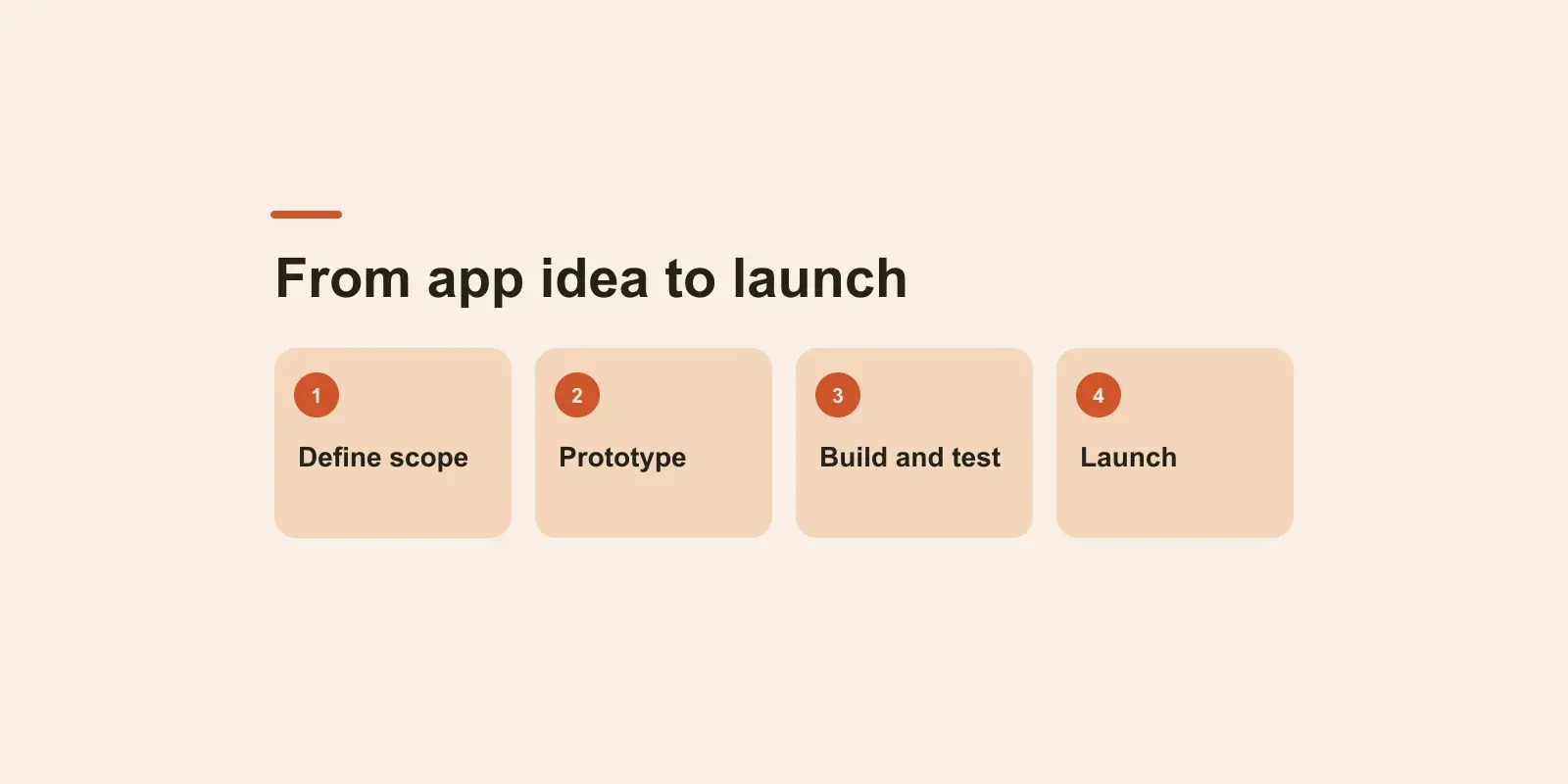
Build the list into the project scope, not the launch week. Store submission is part of our mobile app development work for exactly this reason: a review strategy decided at the start costs a few hours, and one decided after a rejection costs a sprint.
When the right answer is not an app
Sometimes the rejection is telling you something useful. If your customers mostly find you through search, order once in a while, and never asked for an app, a mobile web app or a progressive web app with a home screen icon may serve them better than a native app that needs a store listing, updates and reviews. Many of the single-venue apps Apple rejects would have been better as a fast website with online ordering.
The test is the same one the reviewer applies: what does the app do that the website cannot? If the honest answer is "it gets us an icon on the phone", a PWA gives you that without the review process. If the answer is "it notifies customers, works offline and uses the camera", then a native app is justified, it will pass review, and it is worth building properly.
Deciding your next move after a 4.2 rejection
To fix an App Store rejection minimum functionality case: identify which features a real customer would miss, build the two or three that fit your business, make them visible to the reviewer with a working demo account and a short video, and resubmit with notes describing what changed. Reserve the appeal for cases where the reviewer plainly missed existing features. And if the only honest native feature is an icon, consider a web app instead and save the store budget.
If you have a rejected app, or a business app still on the drawing board, book a free 30-minute discovery call. A senior engineer looks at the rejection notice and the app with you, and we send a written approach, timeline and estimate within two business days.