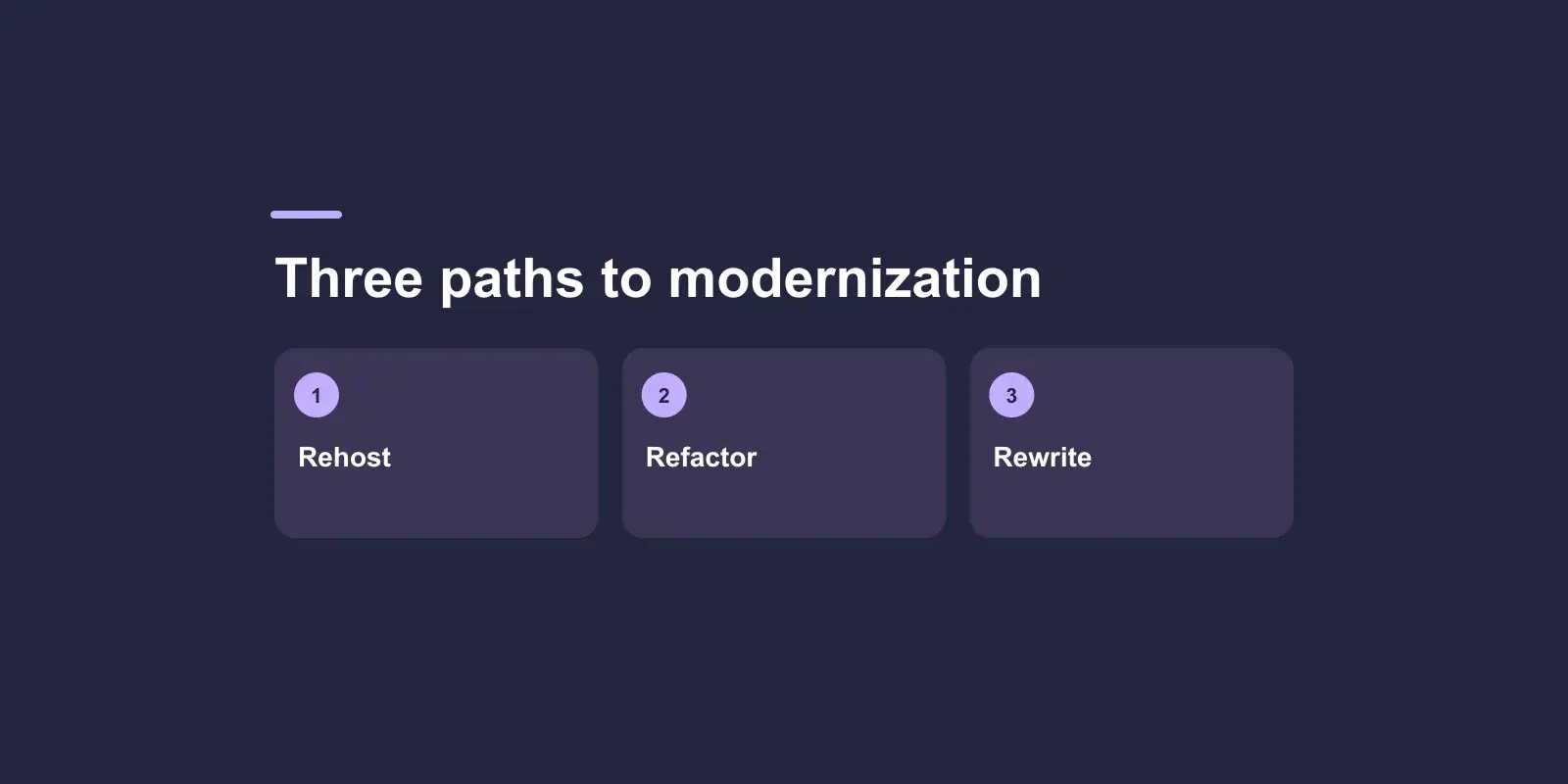
Legacy software modernization options sit on a scale from cheap and shallow to expensive and deep: rehost (move it as it is), replatform (change the infrastructure, keep the code), refactor (improve the code without changing what it does) and rewrite (replace it). Most owners are quoted the last one first. For most systems the right answer is a mix of the first three, applied to different parts of the system based on what is actually wrong, with a rewrite reserved for the parts where nothing else works.
This post sets out the legacy software modernization options, explains what each one changes, gives you a table that maps symptoms to options, makes the case against the default rewrite, shows how to mix approaches across one system, and lists what to ask a vendor before you choose.
The four legacy software modernization options and what each changes
The names are used loosely in proposals. Here is what each one does and does not touch.
| Option | What changes | What stays the same | Fixes | Does not fix |
|---|---|---|---|---|
| Rehost | Where it runs: new servers or cloud | All the code, the database, the way it is deployed | Hardware risk, hosting end-of-life, some cost | Anything in the code; slow changes stay slow |
| Replatform | Infrastructure pieces: managed database, containers, a modern runtime version | Most of the code and its structure | Operational pain, security patches for the platform, scaling | Tangled code, missing tests, hard-to-change rules |
| Refactor | The code's structure, tests, dependencies, boundaries | What the software does for users | Slow changes, fragility, fear of touching parts | A platform that no longer exists |
| Rewrite | Everything: new code, often new data model and new platform | The business need, ideally | A dead platform or unreadable code | Unclear requirements; it makes them worse |
Two variations deserve a mention because vendors use them. Rearchitect is a deep refactor that changes the system's structure (for example splitting one application into services) while reusing much of the code. Replace means buying a packaged product instead of building; it belongs in this list when the legacy system does a commodity job, and we set out the test for that in custom software vs off-the-shelf.
Each of the legacy software modernization options further down the table costs more, takes longer, carries more risk, and fixes a deeper problem. The skill is matching the step to the problem, not buying the deepest one.
Legacy software modernization options: a decision table by symptom
The right legacy software modernization option follows from what hurts. Start with the symptom, not the technology.
| What you are experiencing | Likely cause | First option to consider |
|---|---|---|
| Hosting provider is closing, hardware is failing, or the server is one power cut from disaster | Infrastructure, not code | Rehost |
| Security patches cannot be applied because the operating system or database version is out of support | Platform end-of-life | Replatform |
| It runs fine but cannot handle peak load, and scaling means buying a bigger box | Infrastructure design | Replatform, then targeted refactor |
| Small changes take weeks, estimates keep growing, nobody wants to touch certain parts | Code structure, missing tests, tangled dependencies | Incremental refactor |
| The developers who knew it have left and nobody can confidently change it | Knowledge loss plus missing documentation and tests | Audit, then refactor with tests added as you go |
| The language or framework has no supported version and no engineers who will work in it | Dead platform | Rewrite in slices, keeping the old one running |
| The data model no longer matches the business and every feature works around it | Core design mismatch | Rearchitect or rewrite the affected part |
| Users hate the interface but the logic underneath is sound | Front end only | Refactor the front end; leave the back end alone |
| It was built quickly, possibly with AI tools, and breaks in surprising ways | Shallow construction, no tests | Audit, stabilise, then refactor |
Most real systems show several symptoms at once, in different parts. That is why the answer is usually a combination, covered below. The signs in the fourth row are the most common reason owners come to us, and the mechanics of why they happen are set out in why small software changes take so long.
Why a rewrite is rarely the default among legacy software modernization options
Vendors quote rewrites because rewrites are easy to scope and pleasant to build: a blank page, a modern stack, no inherited mess. Owners accept them because "start fresh" sounds cleaner than "fix what we have". Both are underestimating the same thing: the old system knows things that nobody wrote down.
- Every fixed bug is a rule. Years of edge cases, special customers, odd tax treatments and workarounds for upstream systems live in the old code. A rewrite rediscovers them one support ticket at a time.
- Nothing ships until the end. The business waits, often for a year or more, while the old system is frozen and the new one catches up. Requirements change during the wait.
- Two systems to run. During the rewrite you maintain the old one and build the new one. Costs run in parallel.
- Migration is its own project. Data, integrations, users, URLs. It is invisible in the rewrite quote and painful at the end.
- It solves the wrong problem when requirements are unclear. If nobody can say precisely what the system should do, a rewrite produces a new system that does something slightly different, and the old one has to be kept for the gaps.
A rewrite is the right legacy software modernization option in a narrow set of cases: the platform is genuinely dead and unhireable, the code is beyond refactoring, and the business rules are small enough to re-specify in full. Even then, the lower-risk way to do it is in slices rather than as one cutover.
Mixing legacy software modernization options across one system
A system is not one thing. It is a database, some business logic, integrations, an interface and an infrastructure, each in a different state. The approach we take in our application modernization work is to audit first, then apply a different option to each part.
A typical mixed plan looks like this:
- Audit. Read the code, map the dependencies, find out what has tests and what does not, measure what is slow and why, and list what the business actually uses. This produces a map of which parts are fine, which need stabilising and which need replacing.
- Stabilise. Add monitoring, backups and a repeatable deployment before changing anything. You cannot modernize safely if you cannot see what is happening or roll back.
- Rehost or replatform the infrastructure. Move to managed, patched, scalable services. This is often the quickest win and makes everything after it safer.
- Refactor the parts that change most. Add tests around the business rules people touch every month, untangle the worst dependencies, and leave the stable, rarely-touched parts alone.
- Rewrite in slices where you must. For the part on a dead platform or with an unusable data model, build the replacement beside the old one and route one feature at a time to it. The old system shrinks until it can be switched off. This is sometimes called the strangler pattern, and its advantage is that every step is small and reversible.
The order matters when you combine legacy software modernization options. Stabilising first means the riskier steps happen with a safety net. Refactoring before rewriting means you only rewrite what refactoring cannot fix. And because each step delivers something, the business sees progress every sprint rather than at the end of a long programme.
What legacy application modernization cost depends on
There is no price list, but the drivers are consistent, and knowing them lets you read a quote.
- Which options, and for how much of the system. Rehosting a system is cheaper than refactoring it, which is cheaper than rewriting it. A mixed plan prices each part separately.
- How well the system is understood. A documented system with tests is quick to work on. An undocumented one needs audit time first, and that time is well spent because it shrinks everything after it.
- Integrations. Every external system the legacy application talks to has to keep working through the change. Each one adds testing and risk.
- Data. Volume, quality and how much the data model has to change. Moving clean data is routine; moving data that has been bent around workarounds for a decade is not.
- Downtime tolerance. Zero-downtime migration is possible but costs more engineering than a planned weekend outage.
- Running both systems. During an incremental migration you pay for two environments for a period.
A fair quote shows the audit as the first milestone with a fixed price, and gives estimates for the later phases that are revised once the audit has been done. Be wary of a precise total for a system nobody has yet read.
What to ask a vendor before choosing a modernization option
The questions below, asked before you commit to any of the legacy software modernization options, separate vendors who will diagnose from vendors who will sell you their favourite approach.
- Will you audit before you quote the full programme? If the answer is no, the quote is a guess.
- Which parts of the system do you propose to rehost, replatform, refactor and rewrite, and why? Expect a per-part answer, not a single word.
- What ships first, and when? The first milestone should be something the business can use or that visibly reduces risk, such as monitoring and a repeatable deployment.
- How does the old system keep running during the work? Look for a parallel-running or slice-by-slice plan, not a cutover weekend.
- What is the rollback plan for each step?
- How are the business rules captured? Tests written against the old system's behaviour before anything changes are the best answer.
- What will we own at the end? Code, infrastructure, documentation, test suites. You should own all of it.
- What happens after the programme? Modernized software still needs upkeep; ask what a support retainer would cover.
If the vendor's answer to the second question is "rewrite everything" before they have read the code, take a second opinion.
Choosing your legacy software modernization option
Match the option to the symptom. Rehost for infrastructure problems, replatform for end-of-life platforms and scaling, refactor for code that is slow and frightening to change, and rewrite only the parts where the platform is dead or the design cannot be rescued, and then in slices. Audit before you commit, stabilise before you change, and insist on a plan where every step delivers something and can be reversed.
If you have a system that is becoming expensive to keep and you want an honest read on which legacy software modernization options apply to it, book a free 30-minute discovery call. A senior engineer will talk it through with you, and we send a written approach, timeline and estimate within two business days.